Why small businesses need a clocking in machine
For a small business, the margin for waste is thin. There is rarely a cash reserve to absorb mistakes, so anything that quietly leaks money, inaccurate hours, payroll errors, time paid but not worked, matters more than it would to a large employer. A clocking in machine, paired with time and attendance software, closes most of those leaks at once. Here is what it actually changes for a smaller business, and how to choose one that fits.
What a clocking in machine does
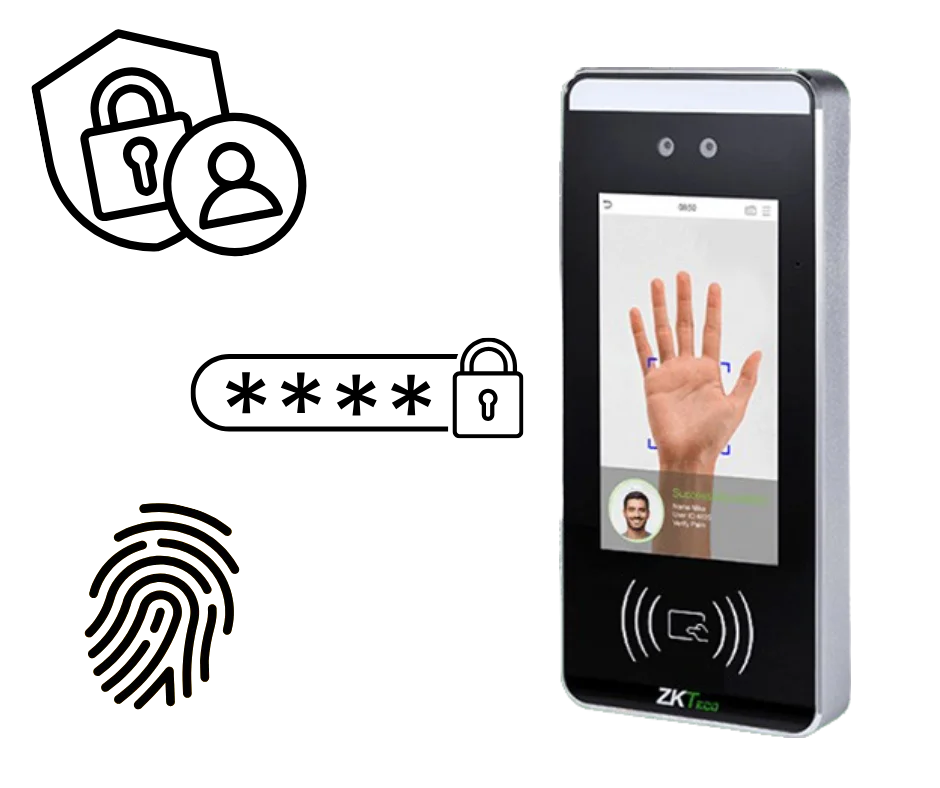
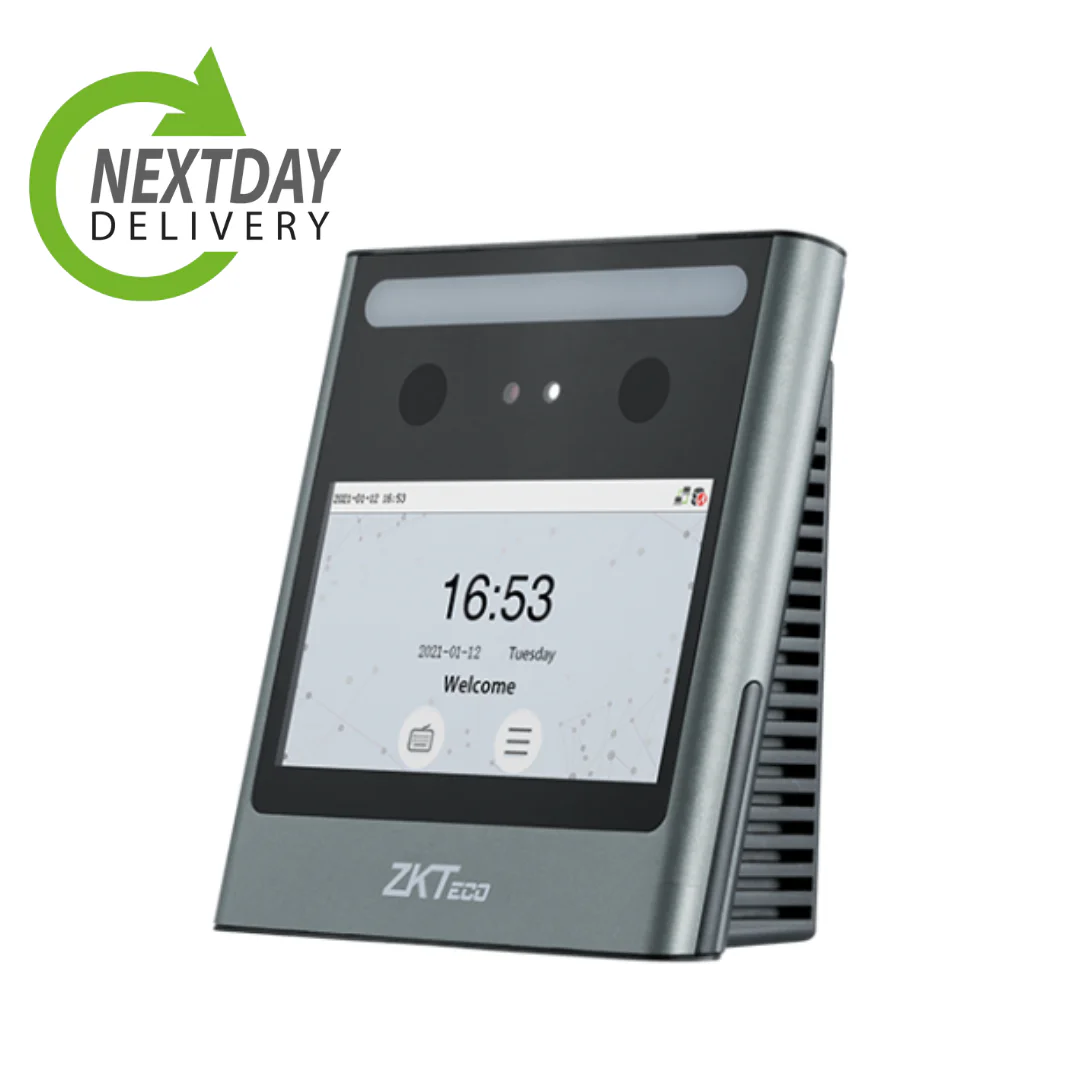
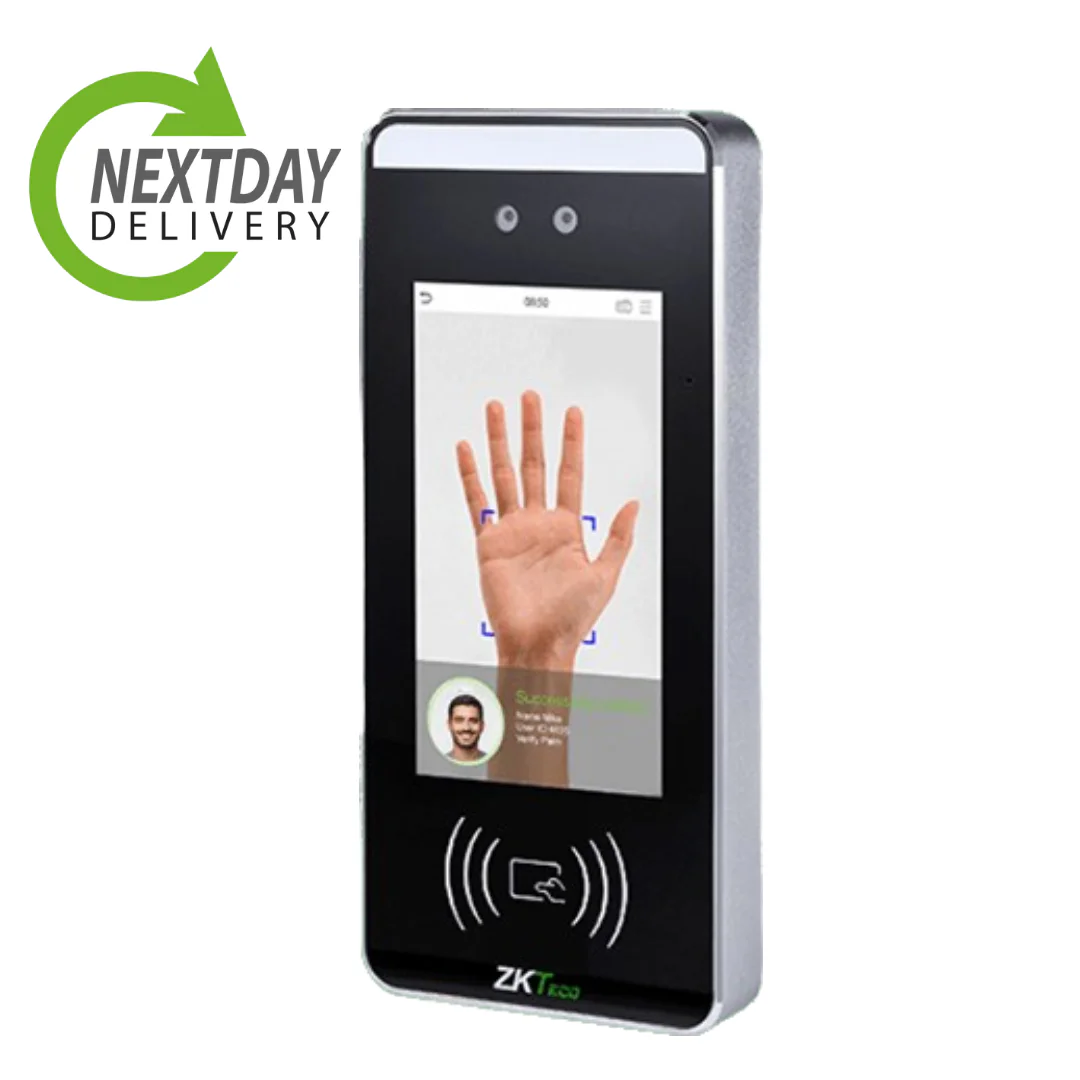
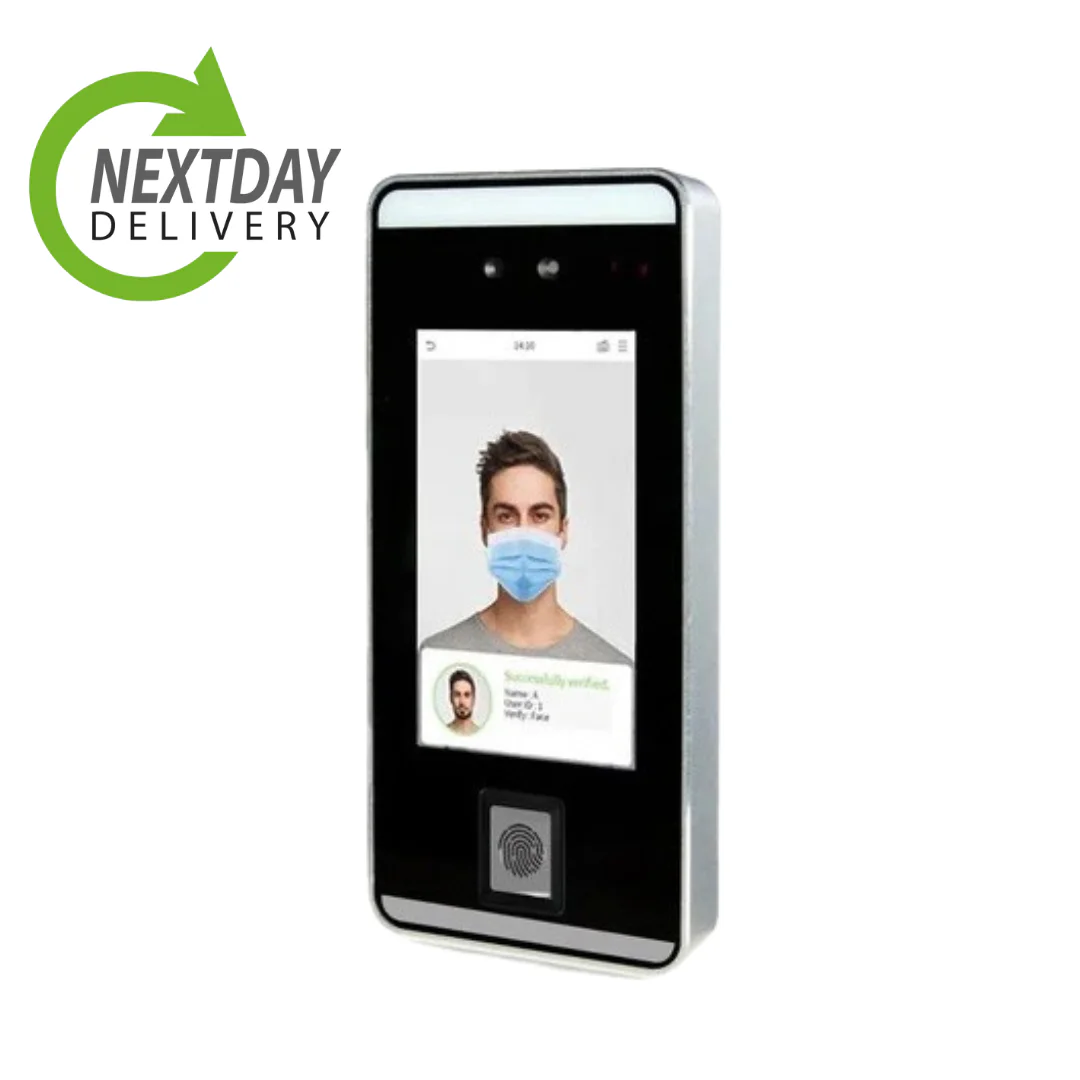
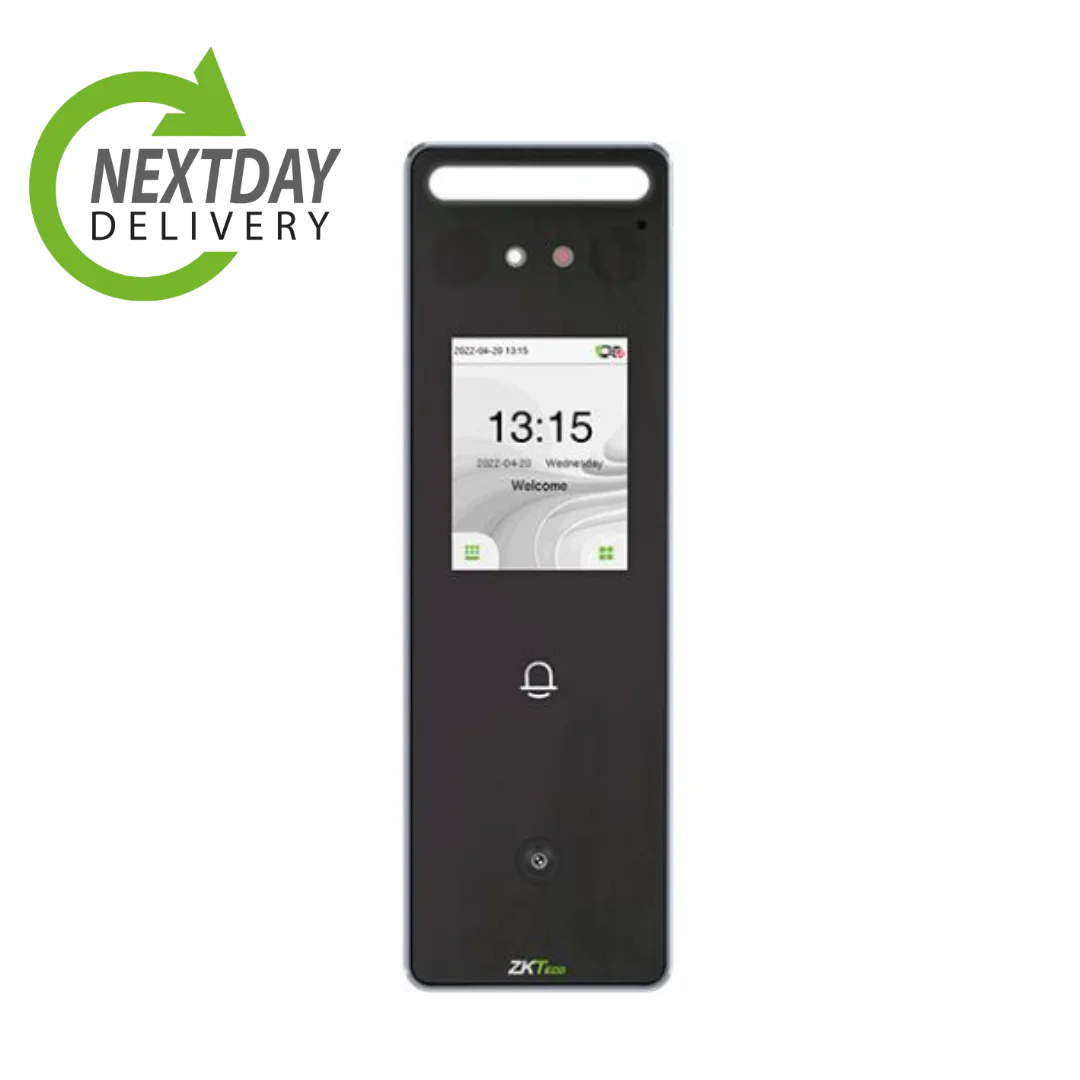
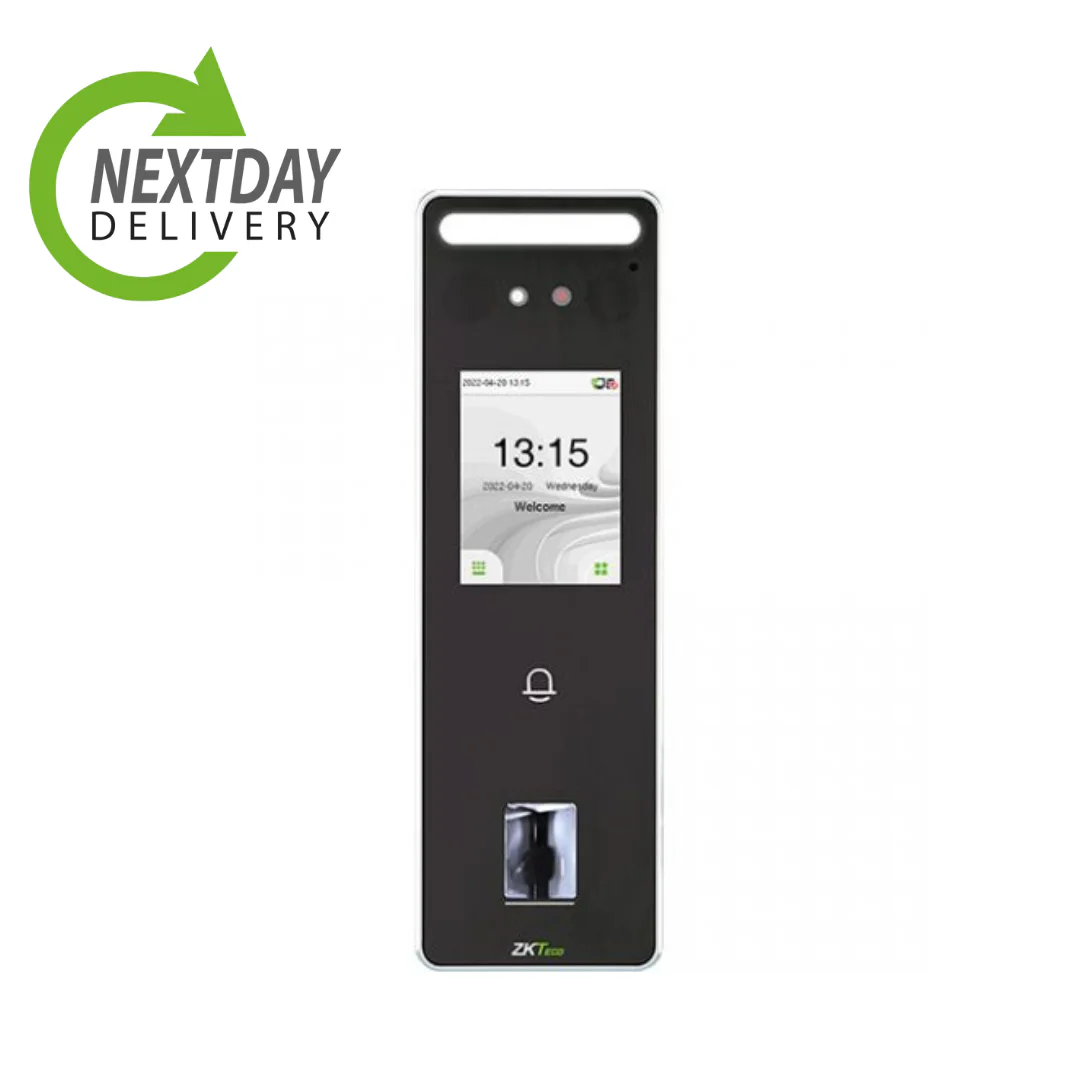
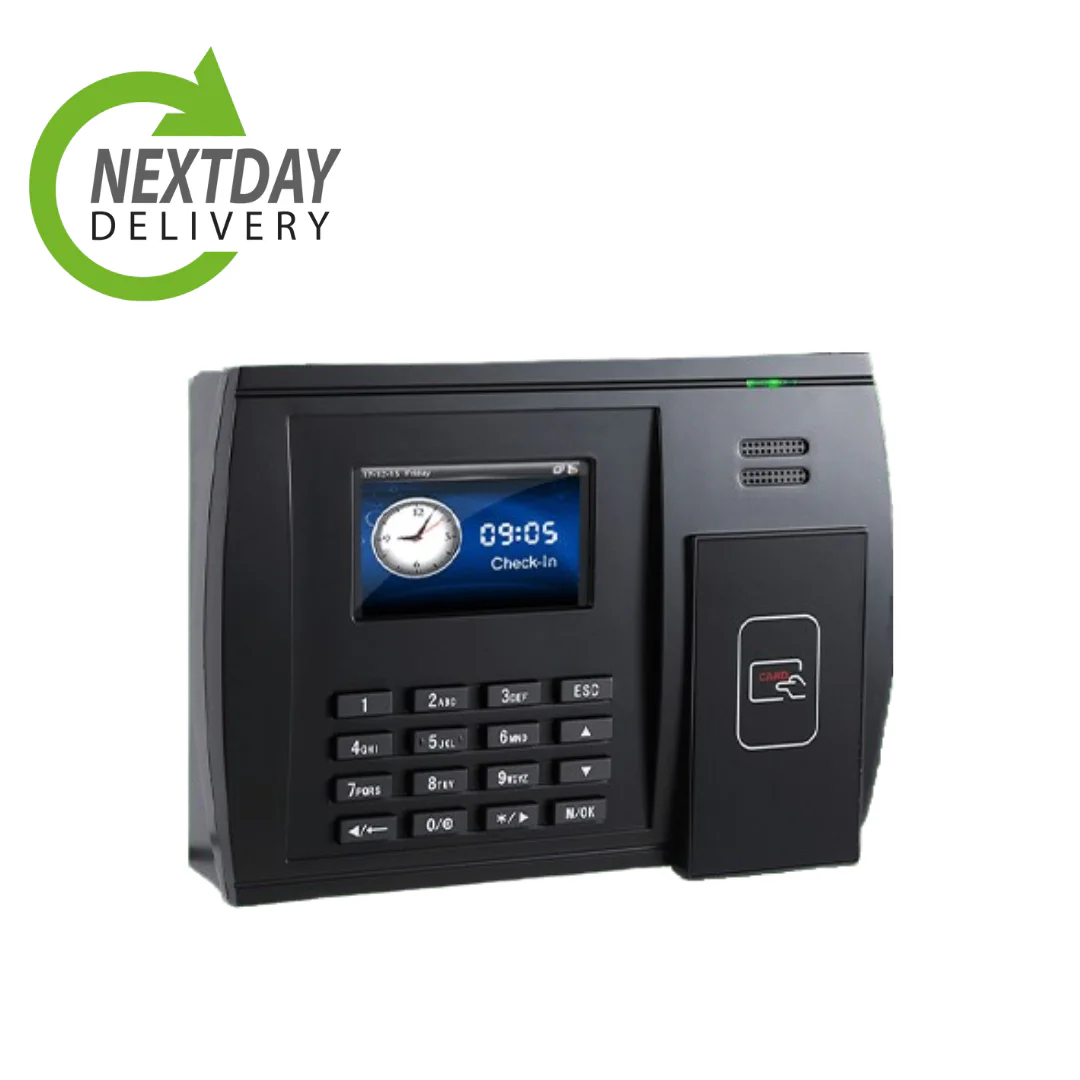
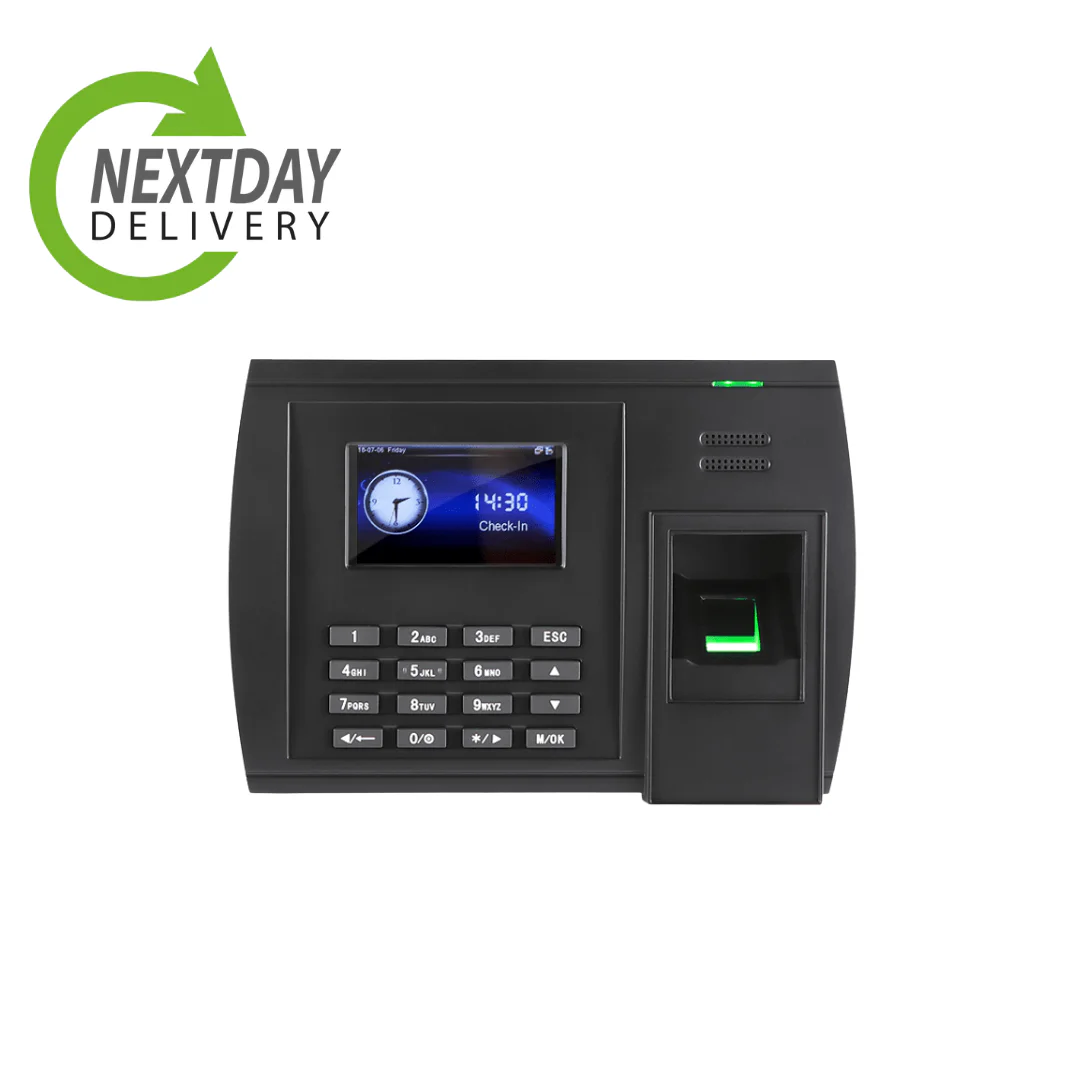
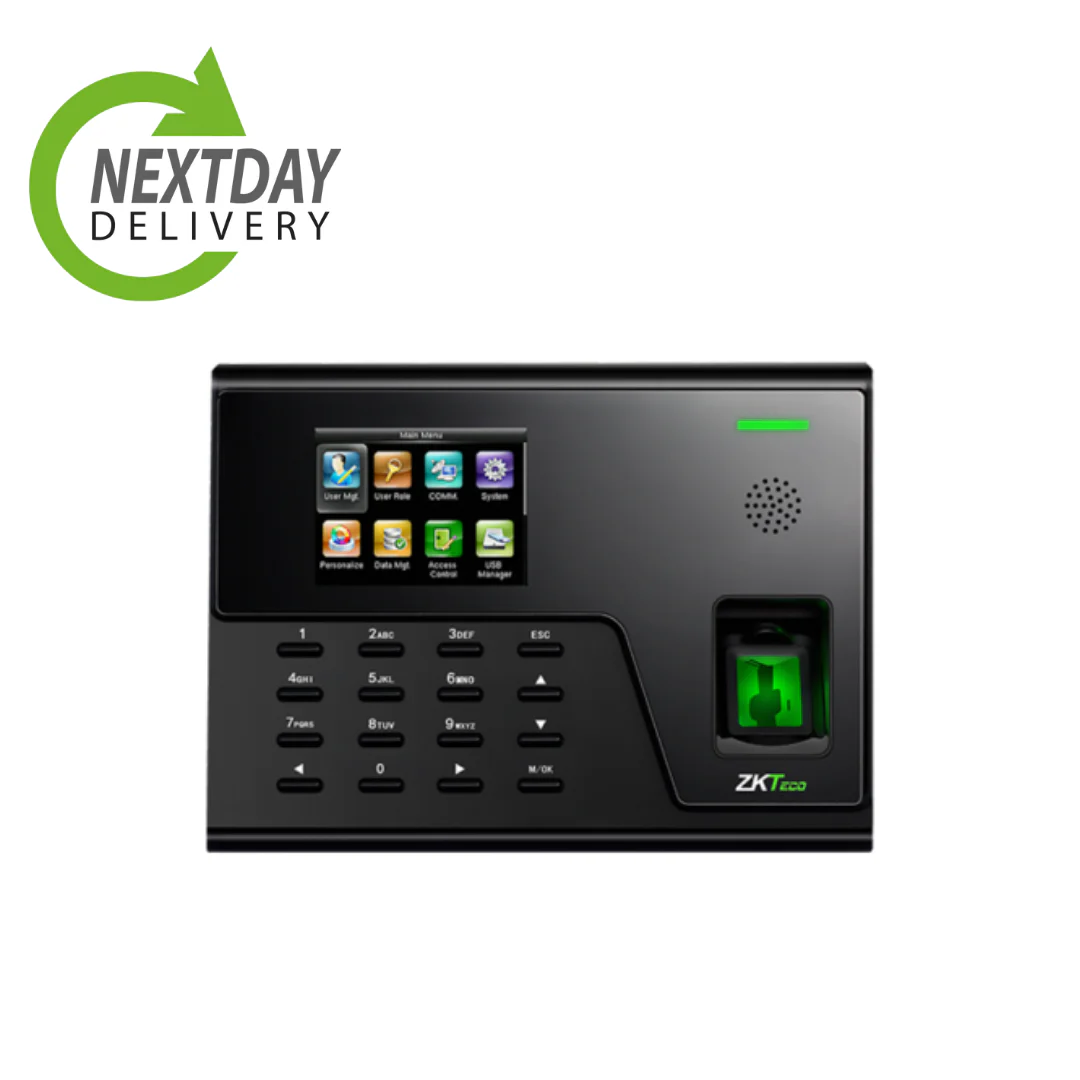
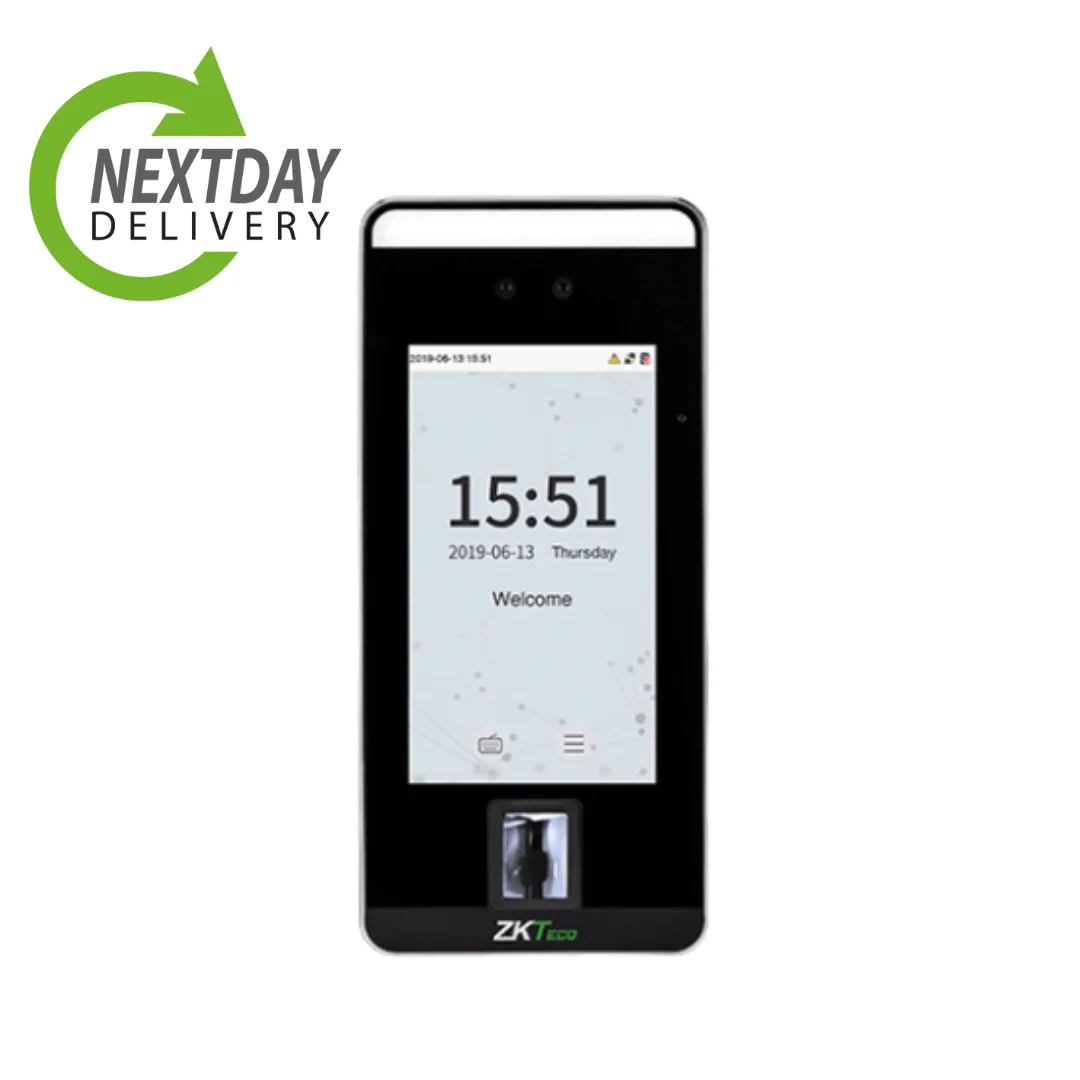
A clocking in machine records when employees start and finish work. Where an old punch card or paper timesheet relied on trust and manual counting, a modern machine identifies each person by fingerprint, facial scan or an RFID card or fob, and sends the times straight into time and attendance software. The hours are captured accurately at source and are ready to feed into payroll, with no one retyping anything.
1. Fewer payroll errors
Every penny counts in a small business, and manual payroll is where pennies go missing. Copying hours from a timesheet invites mistakes, a misread number, a missed entry, overtime calculated wrong, and each one either overpays someone or underpays them. A clocking in machine that integrates with payroll carries the hours through automatically, so people are paid for the time they actually worked. Across a year, removing that manual step recovers money and hours in roughly equal measure.
2. No more buddy punching
Buddy punching is when one employee clocks in for another who is late or absent, so the missing person still gets paid for the shift. On paper systems it is easy and almost impossible to prove. Biometric clocking is a strong defence against it, because a fingerprint or a face cannot be handed to a colleague. No system is literally impossible to defeat, but biometric clocking removes the everyday buddy punching that costs small businesses real money, and it does so without anyone having to police it.
3. Less time lost to admin
In a small business, HR and payroll are often one person, or part of someone’s role rather than a whole department. That makes manual admin expensive, because it comes straight off the time of someone who has other things to do. When hours transfer automatically from the clocking machine into your software, the weekly ritual of collating timesheets disappears, and that person gets their time back for work that actually needs a human.
4. A clear view of your workforce
Running a small team, you do not have time to piece together schedules, absences and annual leave from several places. A clocking in machine feeding one dashboard gives you a single view of who is working, who is off and who is due in, in real time. That makes planning quicker and surfaces problems, a pattern of lateness, overtime creeping up, early, while you can still act on them.
5. Easier compliance
Small businesses have to keep records of employee working hours. The Working Time Regulations require adequate records of hours worked and rest breaks, and from 6 April 2026, under the Employment Rights Act 2025, failing to keep holiday and holiday pay records for six years becomes a criminal offence. A clocking in machine captures this automatically and keeps it, so producing records if you are ever asked is a search rather than a scramble. Holding that data brings responsibilities of its own, which our guide to UK GDPR and time and attendance data covers.
6. It grows with you
Small businesses often have growth in mind, and it is fair to worry whether your systems will keep up. A cloud-based clocking system scales without a rebuild: you add employees, sites or terminals as you need them, and because the software lives in the cloud, there is no server to outgrow. A system such as Syncro is designed to expand with the business rather than cap it.
7. It pays for itself over time
There is an upfront cost to a clocking in machine, but for most small businesses it is recovered quickly through the savings that follow: accurate pay instead of rounding errors, no paid-for-but-unworked shifts, and far less time spent on payroll admin. After that, the savings simply continue. Seen over a year or two rather than a month, it is one of the more reliable returns a small business can buy.
Choosing a clocking in machine for a small business
The main choice is how people clock in. Fingerprint and facial recognition give the strongest protection against buddy punching, though biometric data carries data protection responsibilities worth understanding first. RFID cards or fobs are simpler and avoid biometric data altogether, and app-based clocking suits staff who work remotely or across sites. Many small businesses use a mix, with a backup card or PIN so nobody is ever locked out by a failed scan.
What matters most is that the machine is reliable in daily use, integrates with your payroll, and can be supported easily. You can see the range of terminals on our guide to clocking systems for small businesses, and if you would rather weigh up the identification methods, our comparison of biometric versus RFID clocking goes through the trade-offs.
See a clocking in system built for small businesses