Absence management app FAQs
The questions we get asked most about the app. If yours is not here, call the Leeds team on 0113 350 9043.
Can employees request time off from their phone?▼
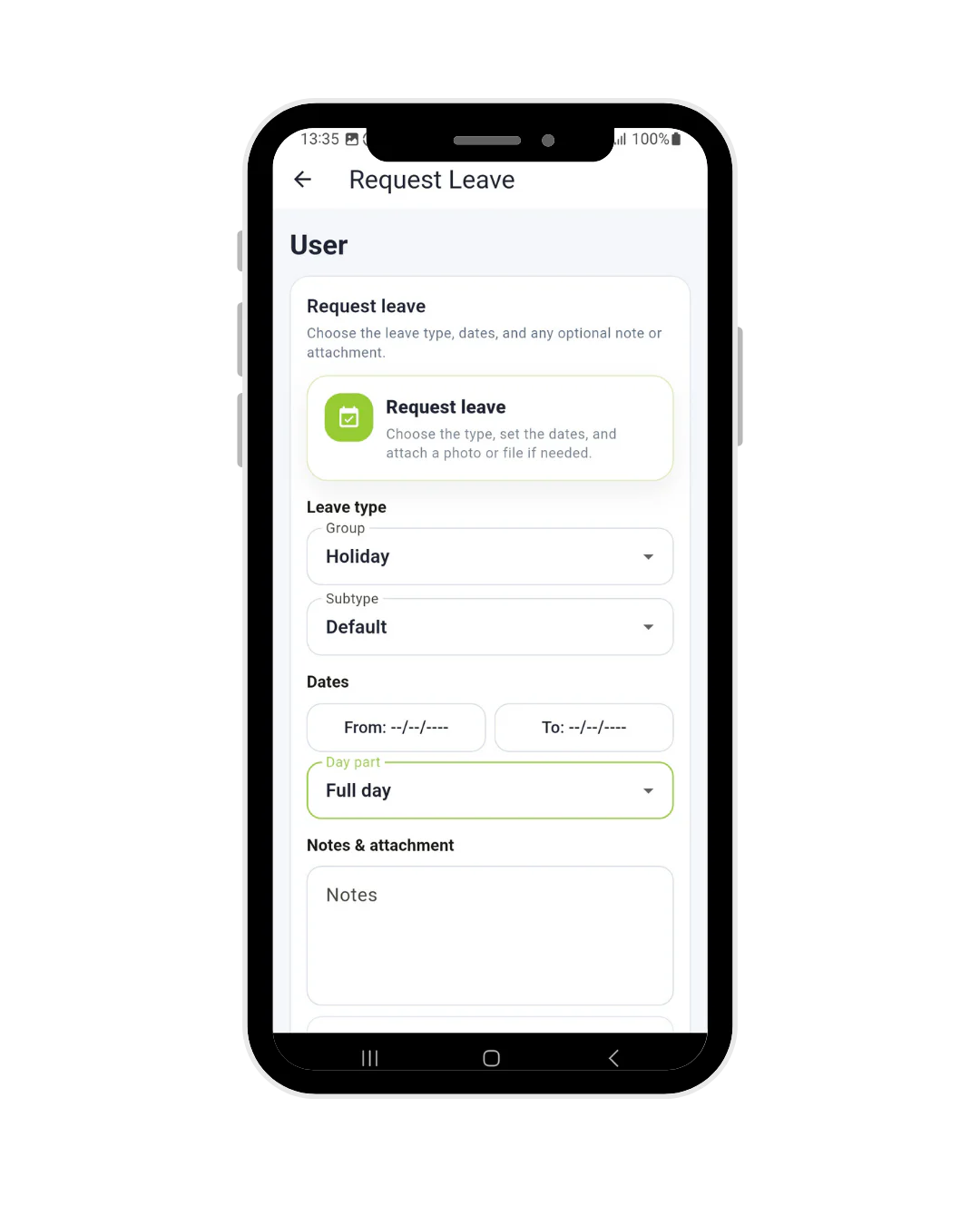
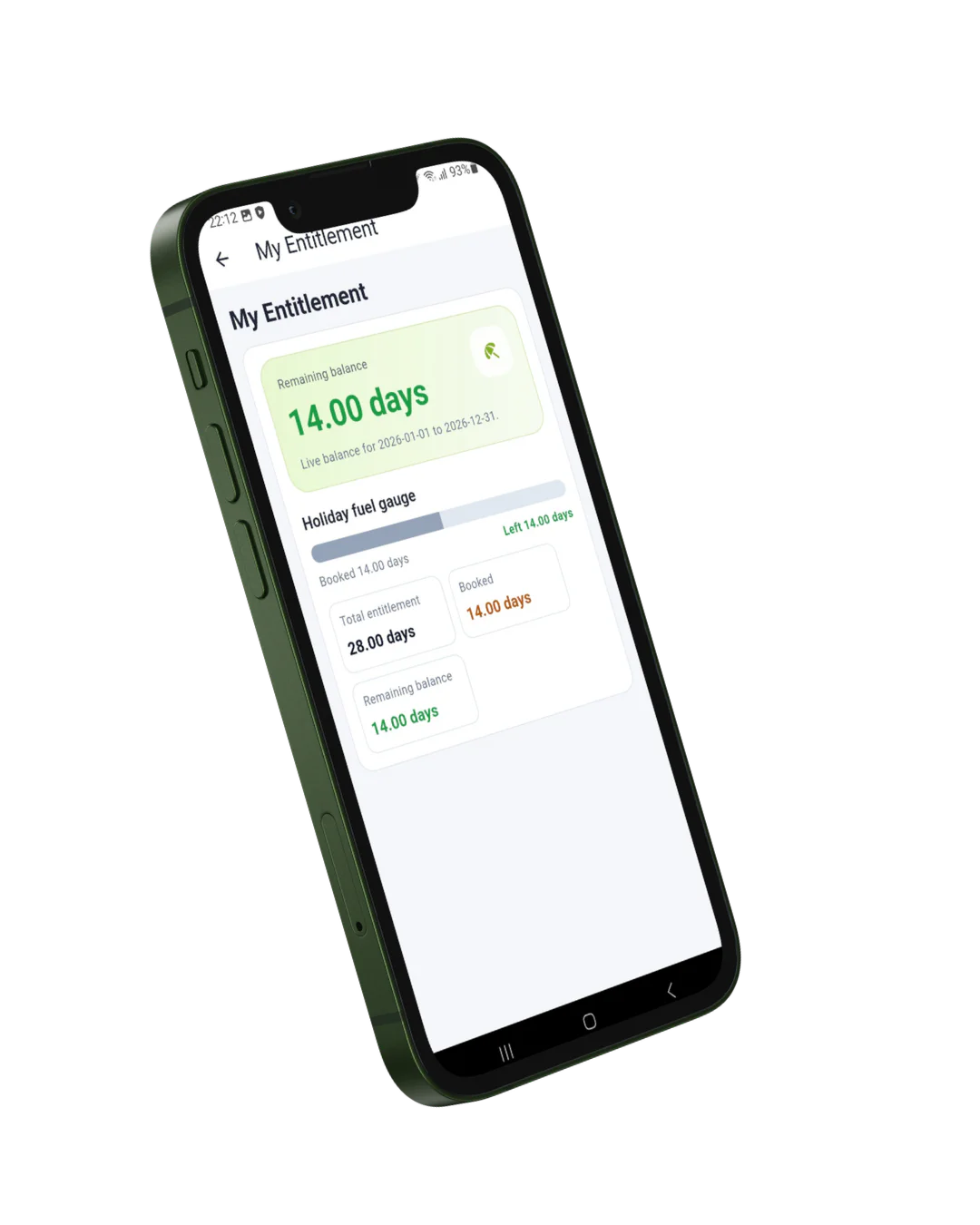
Yes. In the Leave Connect App staff choose the dates, see how many days it uses and what will be left, and send the request to their manager. The manager approves or declines from their own phone and the employee gets a notification straight away. Staff without a smartphone can do the same on
Syncro Kiosk.
What does the absence management app cost?▼
£3 per employee per month excl. VAT, which is £2 for Syncro Connect plus £1 for the app. There are no setup fees and no separate charge for the absence features. A 20 person business pays £60 a month. Full detail is on our
pricing page.
Do employees need a work phone to use it?▼
No. The app runs on staff’s own iPhone and Android phones, which is how most of our customers use it, and it is free to download from the
App Store and
Google Play. Anyone who would rather not use their own phone can use Syncro Kiosk on a shared tablet with their clock number and PIN. Nobody is locked out of booking holiday because of the phone they own.
Is it easy for hourly staff to use without training?▼
Generally, yes. Requesting holiday is a few taps and looks like any other app on their phone, so most staff manage it after a two minute explanation. The rollouts that go best are the ones where a manager shows the team once, explains what is recorded, and tells them that paper forms are stopping on a set date.
Can staff report sickness through the app?▼
Yes, along with logging medical appointments and uploading fit notes from their phone. The manager is notified straight away, and when the employee returns the return to work form is produced automatically and stored against their record, so the process happens consistently rather than only when someone remembers.
Can employees see each other’s holiday?▼
They can see when colleagues are off, which is the point of the team view: it stops three people booking the same week and finding out too late. What they cannot see is the reason someone is absent, or anything from another person’s record. Sickness detail, fit notes and appointments stay between the employee, their manager and HR.
How are holiday entitlements calculated?▼
Your rules are set up before you go live, with help from our Leeds team if you want it, so the balance in the app reflects how your business works: entitlement by length of service, part time and pro rata for starters and leavers, carry over, bank holidays counted or excluded, different bank holidays for different sites (Scottish or Northern Irish, for example), and different holiday years by department if you need them. The rules live in
Leave Connect Software; the app shows the result.
What happens to a request if the manager is away?▼
It does not sit waiting for one person. Approvals can be shared, so if the usual manager is on holiday a deputy or HR can deal with it, and the employee gets the same notification either way. Until then the request shows as pending in the app, so staff can see it has not been forgotten rather than chasing it by email.
Can staff book leave without HR getting involved?▼
For routine holiday, yes. The employee requests it, their manager approves it, and the balance and planner update without HR touching it. HR still sees everything and can step in, and sickness, fit notes and return to work stay visible to HR as they should.
Is sickness data safe to hold in an app?▼
Sickness records and fit notes are health data, which is special category data under UK GDPR, so they need care wherever you keep them. In the app that data sits behind the employee’s own login and is visible to their manager and HR rather than the wider team. It is held in the UK with access logged and limited to named users. You still need your own lawful basis and retention policy, as you would with a filing cabinet. Our
data security page sets out how it is stored.
Does the same app do clocking in?▼
Yes. It is the Syncro Connect app, so if you also record hours, staff clock in and out from the same download with GPS recorded at the moment of clocking. More on the
clocking in app. If you only want absence, staff simply never see the clocking screens.
Where do staff log in?▼
Staff sign in to the Syncro Connect app on their phone with the login you set up for them. Managers and HR use the web software at syncroconnect.com. If you are a Realtime customer, your employee portal has its own address, which your administrator can give you.
How long does it take to set up?▼
Days rather than weeks. We set your holiday rules up and bring across opening balances before you go live, then staff download the app and sign in. There is no hardware to install. You can also start a free trial and try a holiday request yourself within minutes.