Everything you need to track time on construction sites

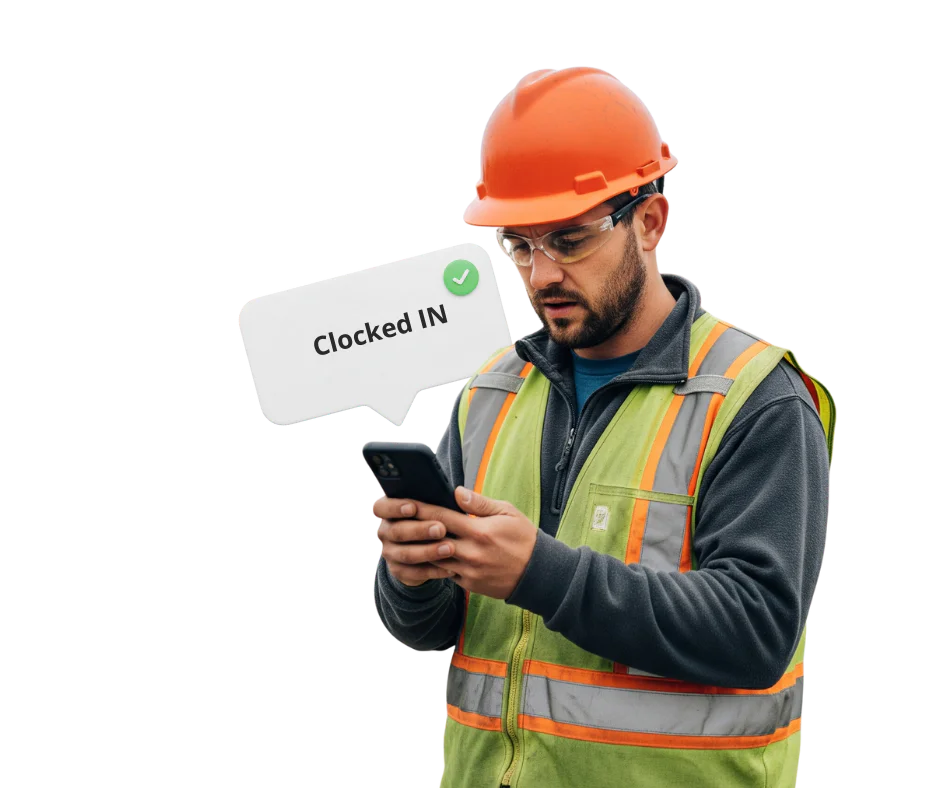
Clocking from the phone in their pocket

No terminal to install on a site that will not exist in eight months. The Syncro Connect app runs on the worker’s own phone, and works offline for the jobs with no signal.

Which site, not just which day

Somebody who starts at one job and finishes at another has both recorded, with travel time between them kept separate from time on the tools.

Directly employed and subcontractors together

Both in one system with different rules where you need them, and a record of who was on site that does not depend on the ganger remembering.

The office knows before Friday

Who is on which site, who has not turned up and whose hours look wrong, visible on the day rather than when the timesheets arrive.

Straight into payroll

Hours export ready for Sage, Pegasus and QuickBooks, with nothing re-keyed and no illegible timesheet to interpret. Direct Sage integration comes with Realtime.

Records for when you are asked

Hours and rest recorded per person, so the evidence for working time regulations exists rather than being reconstructed. Meeting the limits is your job; having the record is ours.

Why time tracking is harder in construction

Your workforce is split across sites. You have directly employed staff, subcontractors and day workers, sometimes on the same job. Sites open and close. People arrive early, leave late or work two locations in a day. And at the end of the week somebody pieces it together from a stack of paper, half of which is illegible, late or missing.

The consequences are familiar enough. Payroll takes longer than it should. There are arguments about hours nobody can settle. And if anyone asks to see your records under the working time regulations, a folder of crumpled timesheets is not much of an answer.

The fix is not a better timesheet. It is not asking anyone to remember. Syncro Connect records the hours as they happen, from the phone the worker already has, and hands them to payroll without anyone typing them in again.

How it works on a construction site

  1. Step 1

    The worker clocks in from their phone

    They arrive, open the app and clock in. Time, site and location are recorded at that moment. Nobody has to be there to witness it, nothing gets written down, and there is no terminal to queue at.

    Two taps, and it works with no signal
  2. Step 2

    The office sees it happen

    Who is on which site, who has not turned up, who never clocked out last night. Flagged on the day rather than discovered when the timesheets come in, by which point cover has already cost you.

    Live across every site, from any device
  3. Step 3

    Payroll starts with the figures already there

    Hours, travel and overtime worked out and exported ready for Sage, Pegasus and QuickBooks. No collecting, no chasing, no deciphering anyone’s handwriting.

    Direct Sage integration available on Realtime

The same records answer three different questions.

The site manager wants to know who turned up this morning. The office wants the hours without chasing anyone. The owner wants to know what the labour actually cost on that job. One set of clockings, and nobody keeping a second version in a spreadsheet.

Start your free trial
Book a demo

Who uses it on a construction site?

Business owners

Hours by site and by person, without a dedicated payroll team to assemble them. If you also need labour costed against individual jobs, that is job costing in Realtime rather than Syncro Connect.

Site managers and foremen

No collecting timesheets, no writing down who arrived when, and an argument about hours settled by looking rather than by whose memory is better.

Payroll and finance

Construction payroll is rarely simple: different rates, overtime, travel, subcontractors. The hours arrive already worked out and export ready for payroll, so month end starts at checking rather than collecting.

HR and compliance

A record of who was on which site and what hours they worked, with an audit trail behind every amendment. That is the evidence for working time regulations, and it exists whether or not anybody thought to keep it.

What paper and spreadsheets cannot do

Comparing Syncro Connect with paper timesheets and end of week spreadsheets for construction time tracking
What you need Syncro Connect Paper timesheets Weekly spreadsheet
Knowing who is on site today Yes No No
Several sites at once Yes No With effort
Subcontractors alongside staff Yes No By hand
Getting hours into payroll Yes, exported ready No Re-keyed
An audit trail of changes Yes No No
Hours recorded, not remembered Yes No No
A missed clocking flagged Yes, on the day No No

Why construction businesses choose Computime

Most time tracking software assumes a fixed workplace. Syncro Connect assumes the opposite: sites that open and close, a workforce that changes weekly, people on two jobs in a day, and half of it done in places with no signal.

Nothing to install on a site that will be gone by spring, and running in days rather than weeks. Absence and payroll export come with it rather than being separate tools to reconcile.

Over 35 years of putting clocking systems into UK businesses, built and supported by our own team in Leeds. When you call, you speak to someone here.

800+

UK businesses trust Computime systems

35+

years of UK workforce experience since 1989

4.5

average from 41 Google reviews

£3

per person per month excl. VAT, app included

“

“We are really pleased with our Computime solution. Introducing this system means that payroll is now processed accurately and efficiently, helping to boost morale both for our head office staff and our field teams. Real time data means we know where our employees are, allowing us to operate more efficiently.”

James Dunlop

Financial Manager, Landworth Electrics

“

“We are very pleased with the smooth implementation. Computime worked very hard to make sure installation was completed within the time frame and with minimum disruption. The in-depth training allowed us to focus on production and keeping our employees safe at work while ensuring efficiency.”

Clare Barker

HR Manager, Wholebake Limited

“

“I was tasked with sourcing a computerised time and attendance solution to replace our manual clocking system. The Computime website contained all the information I needed, making the decision straightforward. The software proved easy to use and the helpdesk was very helpful and friendly. Computime have exceeded all of our expectations and objectives — I would definitely recommend them.”

Purchasing Manager

BSK Laminating

Construction time tracking FAQs

What contractors ask before moving off paper. If yours is not here, call the Leeds team on 0113 350 9043.

How does this compare with ExakTime, ClockShark or Busybusy?
They are good products and they have been at construction time tracking longer than most. The difference is that they are American, built around American payroll, and their UK support is a time zone away. Ours exports for Sage, Pegasus and QuickBooks, handles UK working time records, and when something goes wrong you ring Leeds during your own working day. If you are a UK contractor, that is usually the deciding factor rather than the feature list, which is broadly similar either way.
What happens on a site with no signal?
The clocking is held on the phone and uploads when signal returns. Nothing is lost and the worker does not have to do anything about it. This matters more in construction than anywhere else, since half the sites worth having are basements, steel frames or somewhere down a lane with one bar, and a system that only works with full coverage is no use.
Can someone clock in from the van and say they were on site?
The location is recorded at the moment of clocking, so a clocking made in a lay-by two miles away looks like one made in a lay-by two miles away. It does not stop anybody doing it, but it means the record shows what happened, which is usually enough. Worth being clear with the crew about what is recorded before you switch it on rather than after somebody notices.
Does it track subcontractors as well as employed staff?
Yes, in the same system, with different rules where you need them. That gives you a record of everyone who was on site rather than only the people on your payroll, which matters for site access and for knowing who was there if something goes wrong. Subcontractors are charged the same per person per month as anyone else.
Will the lads actually use it?
Mostly yes, provided it is two taps and not a form. Where it goes wrong is when clocking becomes a chore, because then people batch it up at the end of the week and you are back where you started with extra steps. It also helps that accurate recording works in their favour: an early start or an hour waiting for a delivery stops being forgotten by Friday.
Can we track hours against individual jobs?
Costing labour against jobs is job costing, which is in Realtime rather than Syncro Connect. It records labour time only, not materials or plant, so if you want a full cost per job you would still want that side in your accounting package. Tell us what you need and we will say which product fits rather than selling you the one you landed on.
What if someone does not have a smartphone?
It happens less than it used to but it still happens. They can clock in a browser, or at a terminal if you have a compound or a site office worth putting one in. Worth agreeing your position on personal phones before rollout too, since some contractors offer an allowance and others do not.
How much does it cost?
£3 per person per month excl. VAT, which is £2 for the software plus £1 for the app. A crew of twenty is £60 a month. No setup fee, no charge per site and no charge per device, so somebody changing phone or moving between jobs costs nothing.
Does it cost more per site?
No. You pay per person, not per site, so a contractor running eight jobs pays the same as one running two. That is worth checking with any supplier, since per-location pricing is common and it punishes exactly the businesses this suits.
How long before it is running?
Days. There is no hardware to install and no engineer visit. The work is agreeing your rules: what counts as overtime, whether travel is paid, how you handle a day nobody could work because of weather. That is a conversation rather than a technical job, and you can start a free trial first to see it working.
Start A Conversation

Left Menu Icon
