Time and attendance system FAQs
The questions we get asked most, answered properly. If yours is not here, call the Leeds team on 0113 350 9043.
How much does a time and attendance system cost?
Syncro Connect software is £2 per employee per month, or £3 with the GPS mobile app, so a 50-person business pays £100 a month. Clocking hardware is a one-off cost from £395. There are no setup fees and no long-term contracts, and building your database, including staff records, shift patterns and pay rules, is part of getting you started rather than something we bill for afterwards. See our pricing page for full details.
What is the difference between Syncro Connect and Realtime?
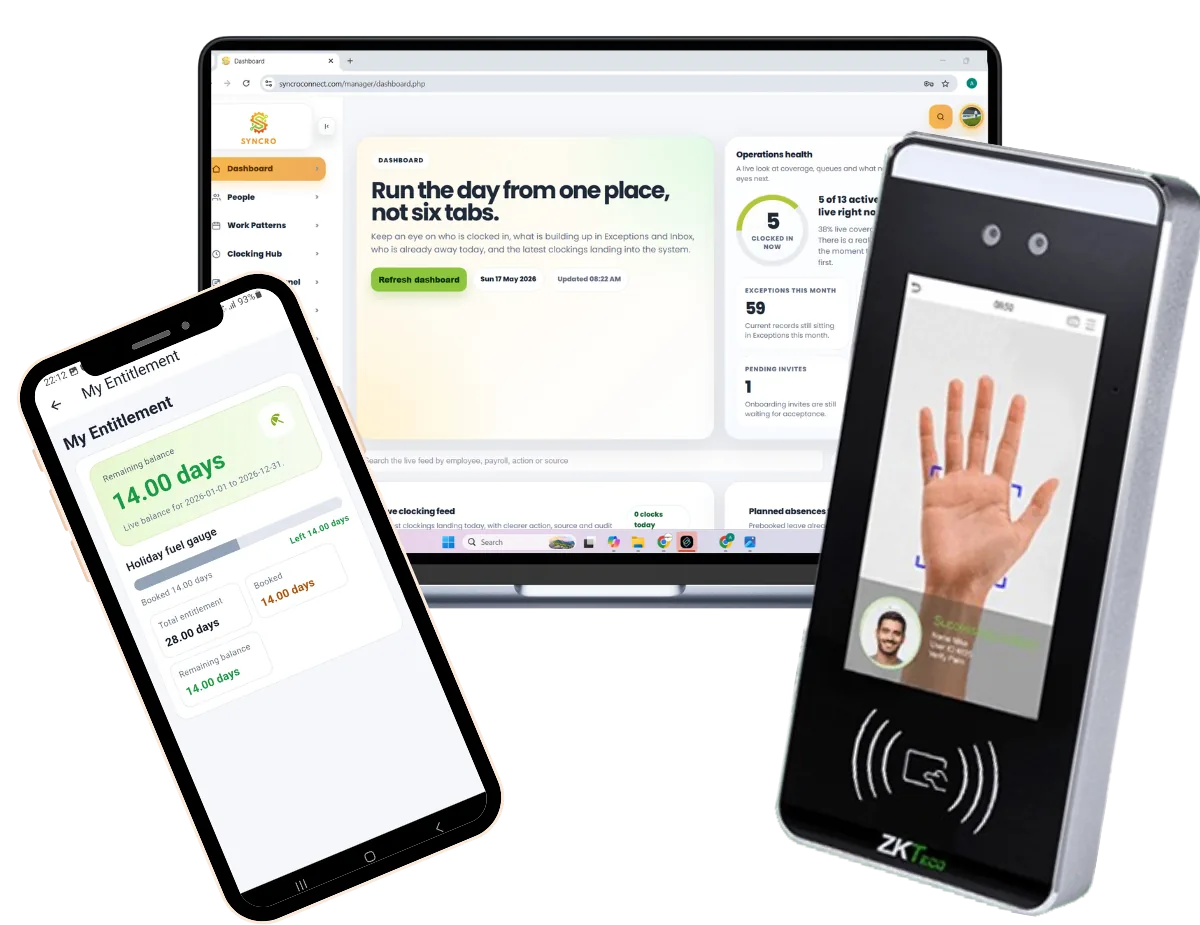
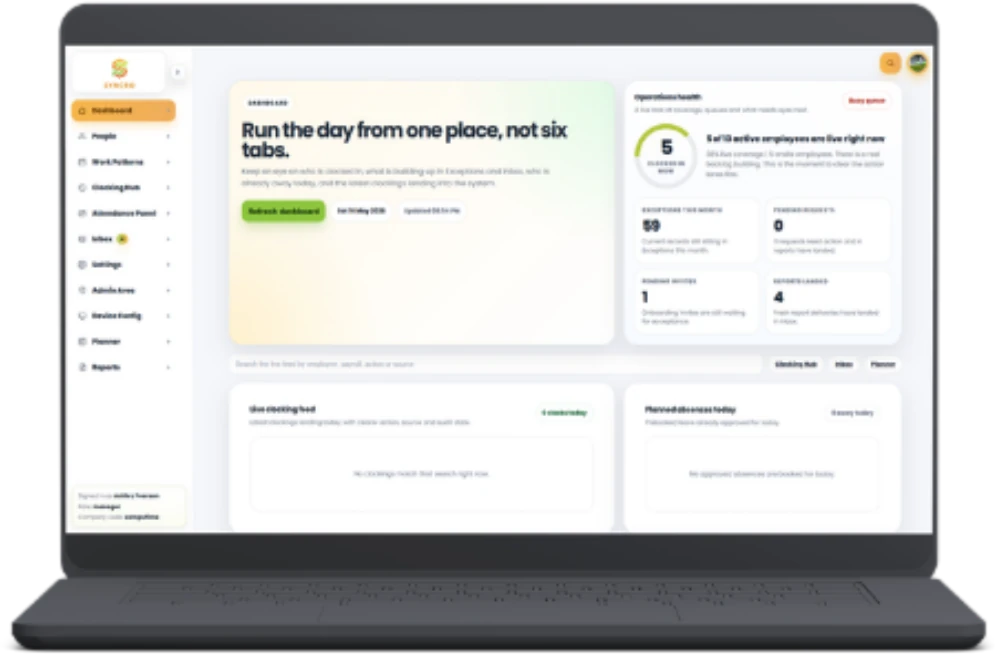
Both handle time, attendance and absence to the same standard. Syncro Connect is our cloud, web and app based system, hosted in UK data centres and ready in days, which is what most new customers choose. Realtime is installed application software with the broadest feature set, adding HR, document management, job costing, banked hours, flexi-time and access control. Both use the same clocking hardware and the same Leeds support team.
Does it work with Sage payroll?
Yes. Approved hours come out in the format Sage expects, ready to import, and the same applies to Pegasus and QuickBooks. Sage is the most common setup among our customers. If you run a payroll system we have not listed, tell us which one and we will confirm what the export looks like before you commit to anything.
How long does it take to get set up?
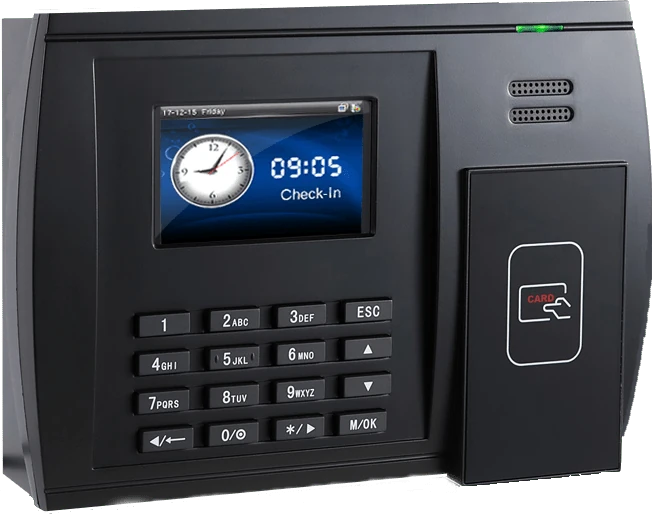
Most customers are running within days of their hardware arriving, not weeks. You choose a go-live date, we build your database around your staff, shifts and pay rules, and your terminal arrives already configured. For a standard Syncro Connect setup there is no installation project and no engineer visit: you unbox the clock, plug it in, and staff enrol at the device if it is a biometric terminal.
Do we have to buy clocking terminals?
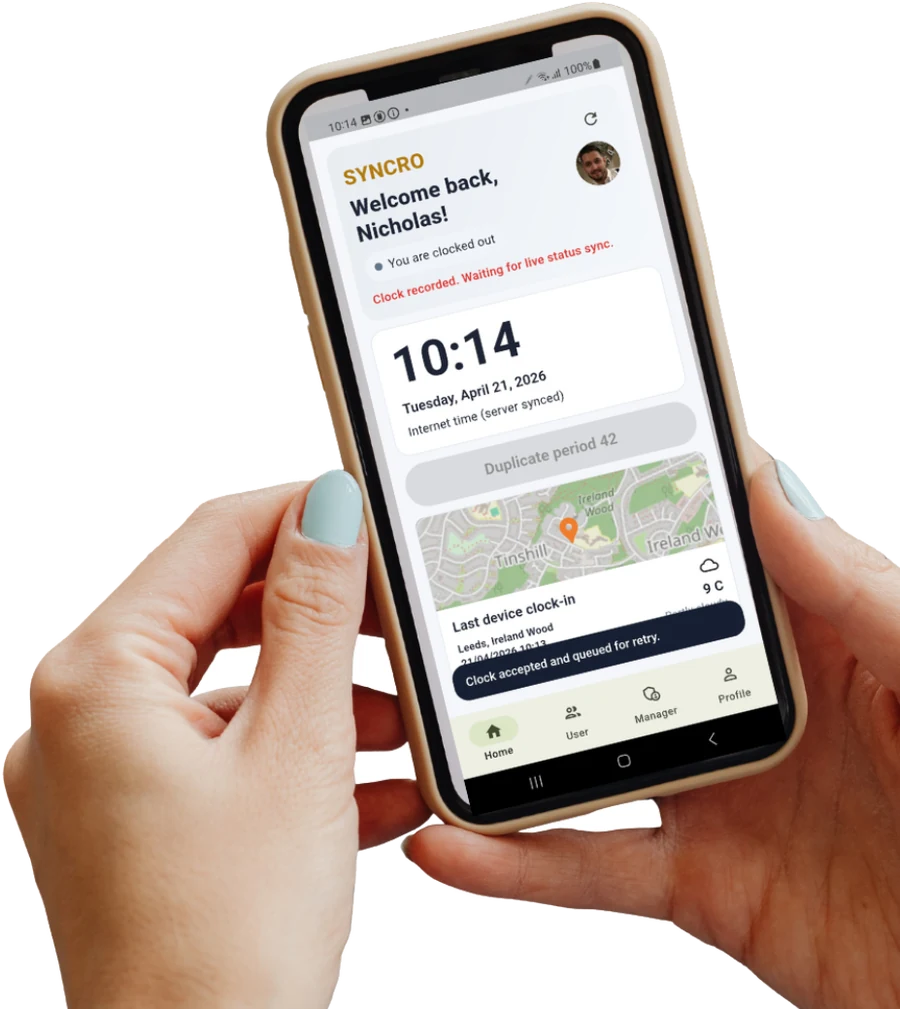
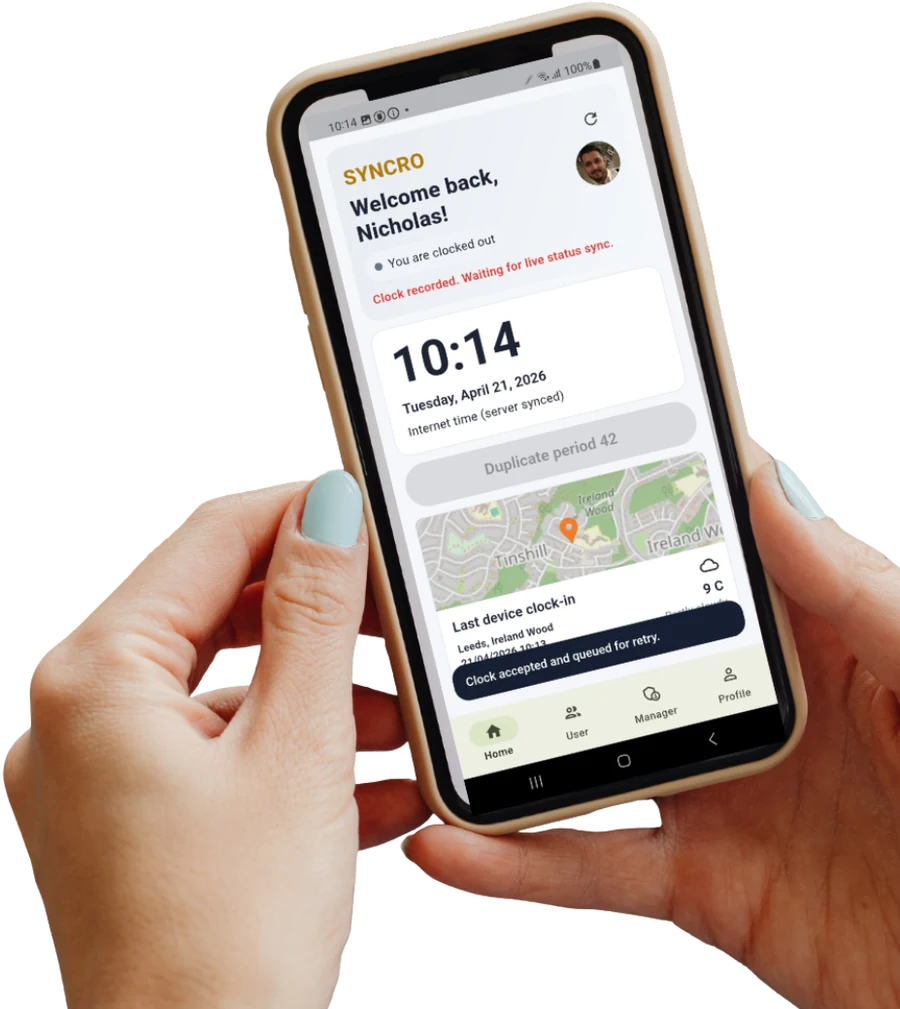
No. Staff can clock in through the mobile app with GPS or a desktop browser, which suits field teams, drivers and office workers who never pass a fixed point. Plenty of customers run both, with a terminal on the factory door and the app for everyone else, all feeding the same system.
Is biometric clocking legal in the UK?
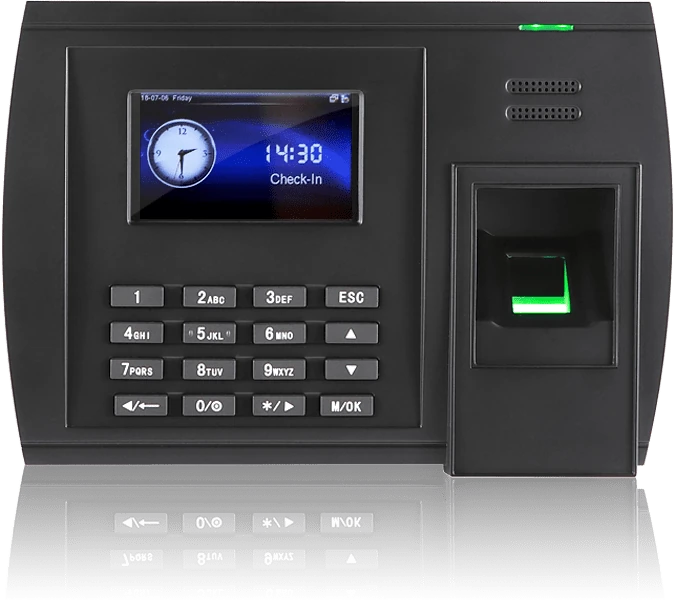
Yes, but biometric data is special category data under UK GDPR, so there is more to it than switching it on. You need a lawful basis, a data protection impact assessment, and normally a non-biometric alternative for anyone who objects. Our fingerprint readers store a non-reversible mathematical template rather than an image of the print. Our data security page sets out what is stored and who can access it, and our UK GDPR guide covers what employers need in place.
What happens to biometric data when an employee leaves?
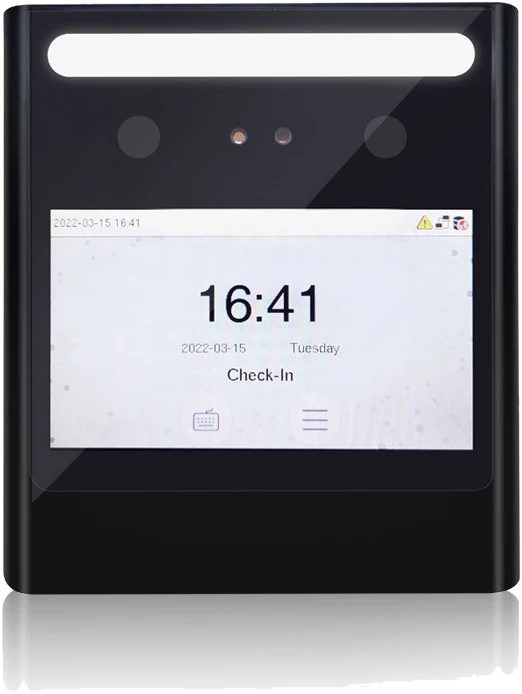
Deleting the employee removes their record from the database, along with the enrolled image if you use facial recognition. The template also sits on the clocking terminal itself, so that has to be cleared separately at the device. It is worth building both steps into your leaver process so nothing is left behind by accident.
Can it handle our shift patterns and overtime rules?
Yes, and we configure it for you rather than handing you a blank system. Shift patterns, rounding rules, break deductions, overtime thresholds and pay rates are all set up around how your business actually runs. Rotating shifts, split shifts, term-time hours, night rates and multi-site rules are all normal for us, and if your rules change later the system changes with them.
What reports does it produce?
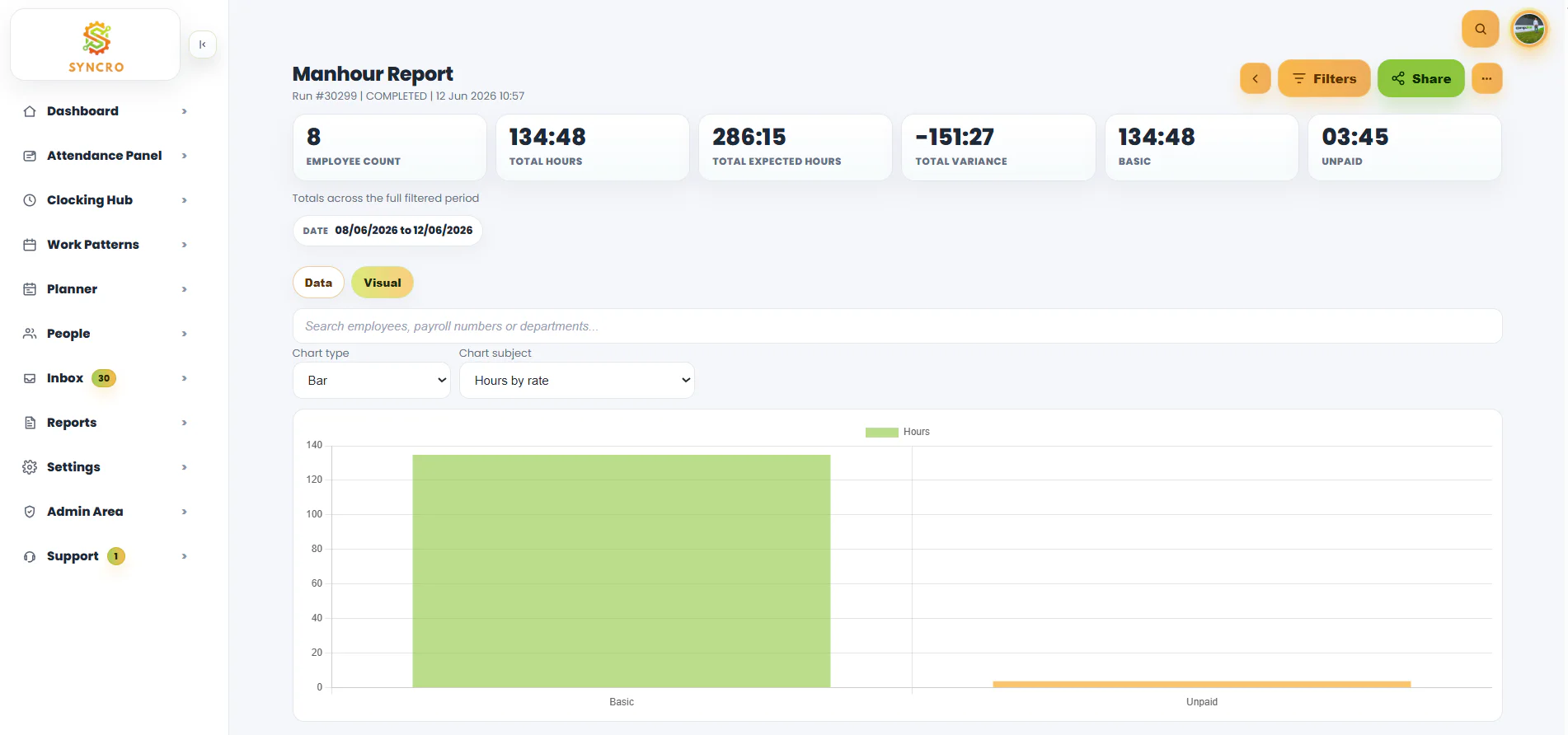
Bradford Factor absence scoring, lateness and early leaving, man hour analysis broken down by pay rate or department, overtime tracking, timesheet summaries with missed clockings flagged, and labour cost by job. Reports run on demand or arrive by scheduled email, and you can build your own custom reports inside the system if the standard set does not cover what you need.
What size of business is it for?
There is no minimum. We supply businesses with a handful of staff and businesses running 5,000 employees across multiple sites, and more than 800 UK businesses use our systems. We support construction, logistics, manufacturing, healthcare, retail, hospitality and education, including remote, field based and shift based teams. Pricing is per employee, so a small team pays a small amount rather than a minimum licence fee.
What if there is no internet or phone signal on site?
The mobile app stores clockings on the device and syncs them automatically once connectivity returns, so nothing is lost and nobody has to remember to do anything. Clocking terminals hold their data locally too, which means a dropped connection does not stop people clocking in or out.
Can we try it before committing?
Yes. Syncro Connect has a free trial with no card required and no commitment, giving you full access to the software, the mobile app and absence management. If you have complicated shift rules or specific payroll requirements, a demo is usually more useful, because we can show the system handling your situation rather than a generic example.