Attendance board FAQs
What businesses ask before replacing the board on the wall. If yours is not here, call the Leeds team on 0113 350 9043.
What is an attendance display board?▼
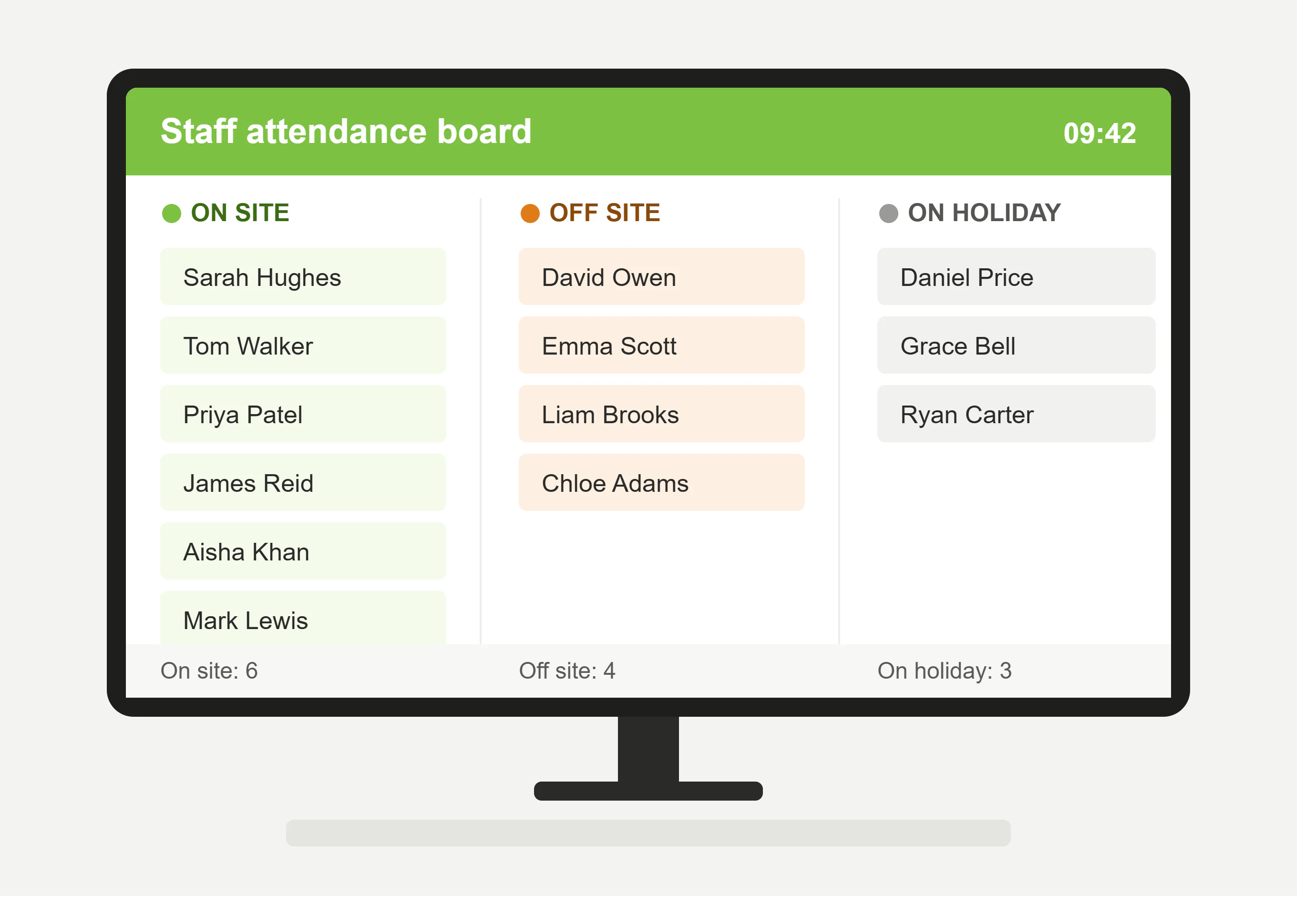
An attendance display board is an on-screen register showing which staff are on site and which are not, updated automatically as people clock in and out. It is the digital version of the in/out board that used to sit on a reception wall with magnets or sliding tabs, except it does not depend on anybody remembering to move theirs.
What does it actually show?▼
A list of people against four states: on site, off site, holiday and sick. It can also be set to show on site only, which is what you want if the screen is anywhere the public can see it. It is a list rather than a grouped layout, so it reads best on a screen showing a manageable number of names.
Can a manager see only their own team?▼
Yes, and it works on permissions rather than a filter somebody sets each time. A warehouse manager sees warehouse, an office manager sees the office, and nobody is scrolling past two hundred names to find the eleven they are responsible for. That also means a screen in one part of the building shows the people who work in it.
What hardware do we need?▼
A screen and something to drive it. A PC and a monitor, a tablet, or a flat screen with a small PC behind it all work, and plenty of customers use a television that was already on the wall. We do not sell a proprietary display unit for this, so you are not buying hardware you do not need.
Is it a problem to show staff names to visitors?▼
Worth a moment’s thought rather than a worry. A board in a public reception shows your staff’s whereabouts to anyone who walks in, which is personal data even though it is fairly unremarkable. Whether somebody is off sick is a different matter, and that is why the board can be set to show on site only. Use the full version on an internal screen and the on-site-only version anywhere visitors can see it.
Can we use it for fire roll call?▼
Not really, and it is worth being clear about why. A screen fixed to a wall inside the building is no use to a marshal standing at an assembly point in a car park. What you want there is the list on a phone, which is what
fire roll call does. The two read the same records, so the board and the roll call agree, but they are different jobs.
How quickly does it update?▼
As people clock. Someone who badges in at the front door appears as on site within moments, which is the difference between this and a spreadsheet somebody updates at eleven o’clock each morning. The board is only ever as accurate as the clocking behind it, so if half your staff do not clock, the board will not know about them.
Does it include people working from home?▼
If they clock, yes. Someone clocking in through the
app or a browser from home shows as working rather than absent, which is the distinction most hybrid offices actually need.
Does it cost extra?▼
It is part of the system rather than a separately priced module, so if you have
Syncro Connect at £2 per employee per month excl. VAT you have this. The only cost is whatever screen you put it on.