Fingerprint clocking FAQs
The fingerprint-specific questions. For consent, DPIAs and data protection generally, see biometric attendance. Or call the Leeds team on 0113 350 9043.
Whose fingerprints will not scan reliably?▼
Anyone whose hands are regularly wet, dusty, oily or covered in plaster, and anyone whose prints have worn down through manual work. Bricklayers, bakers, mechanics and cleaners are the usual examples. It is also simply true that a small proportion of people have prints that scan poorly for no obvious reason. If that describes a meaningful part of your workforce, start with
facial recognition or
palm rather than discovering it in week two.
How many fingers should we enrol?▼
Two, one on each hand, is the sensible default. A cut, a dressing or a hand in a splint then does not stop somebody clocking in, and it saves a call to us on the morning it happens. Enrolling a single finger works until the day it does not.
Can a fingerprint be copied from a photograph or a glass?▼
In laboratory conditions, researchers have fooled fingerprint sensors with lifted or fabricated prints, so the honest answer is that it is not impossible. In a workplace it is not a realistic concern: the effort involved is considerable and the reward is clocking somebody in fifteen minutes early. What biometrics actually removes is the casual version, where a card gets handed over in the car park, and that is the version that happens.
How long does enrolment take?▼
Under a minute a person, usually a few scans of each finger so the template is a good one. With a USB enroller you can do it from the HR office rather than queueing everyone at the terminal, which for a workforce of a hundred is the difference between an afternoon and a morning of muttering.
Do the terminals work if the network goes down?▼
Yes. Terminals hold their own copy of the templates and record clockings locally, then sync when the connection returns, so a network fault does not mean a morning of paper. It is also why removing a leaver has to be done at the terminal as well as in the software, which is worth building into your leaver process.
Can the same terminal take cards or PINs as well?▼
Yes, and you will probably want it to. Someone who declines biometric enrolment needs a way to clock that does not single them out, and a visitor or a contractor is not going to be enrolled at all. Mixed use at the same terminal is normal rather than a workaround.
How many terminals will we need?▼
It depends on entrances and on how many people arrive at the same moment rather than on headcount alone. A hundred staff arriving over an hour is a different problem from a hundred arriving in ten minutes for a shift start. Tell us how your mornings actually go and we will say what you need rather than what we would like to sell.
What does a fingerprint terminal cost?▼
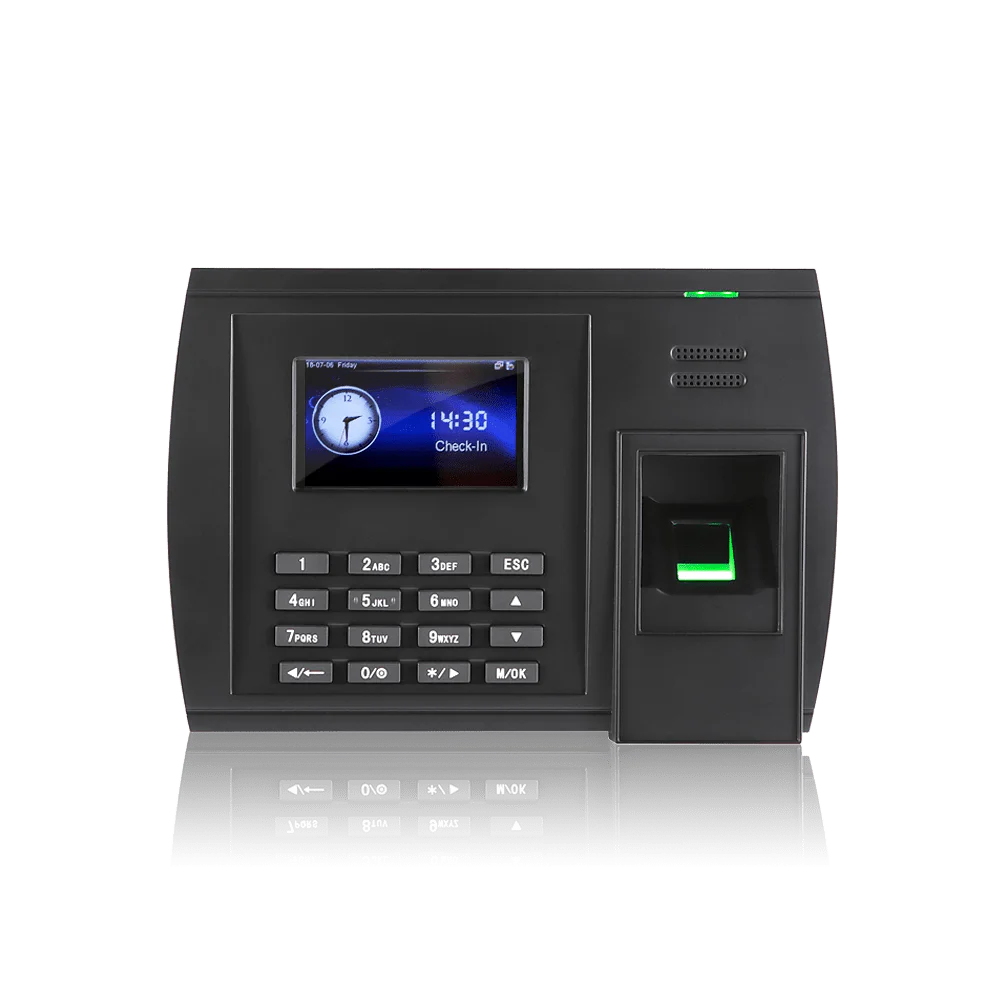
Terminals start at £395 excl. VAT as a one-off, with the software separate at £2 per employee per month excl. VAT for
Syncro Connect. See the full
terminal range for the specific models.