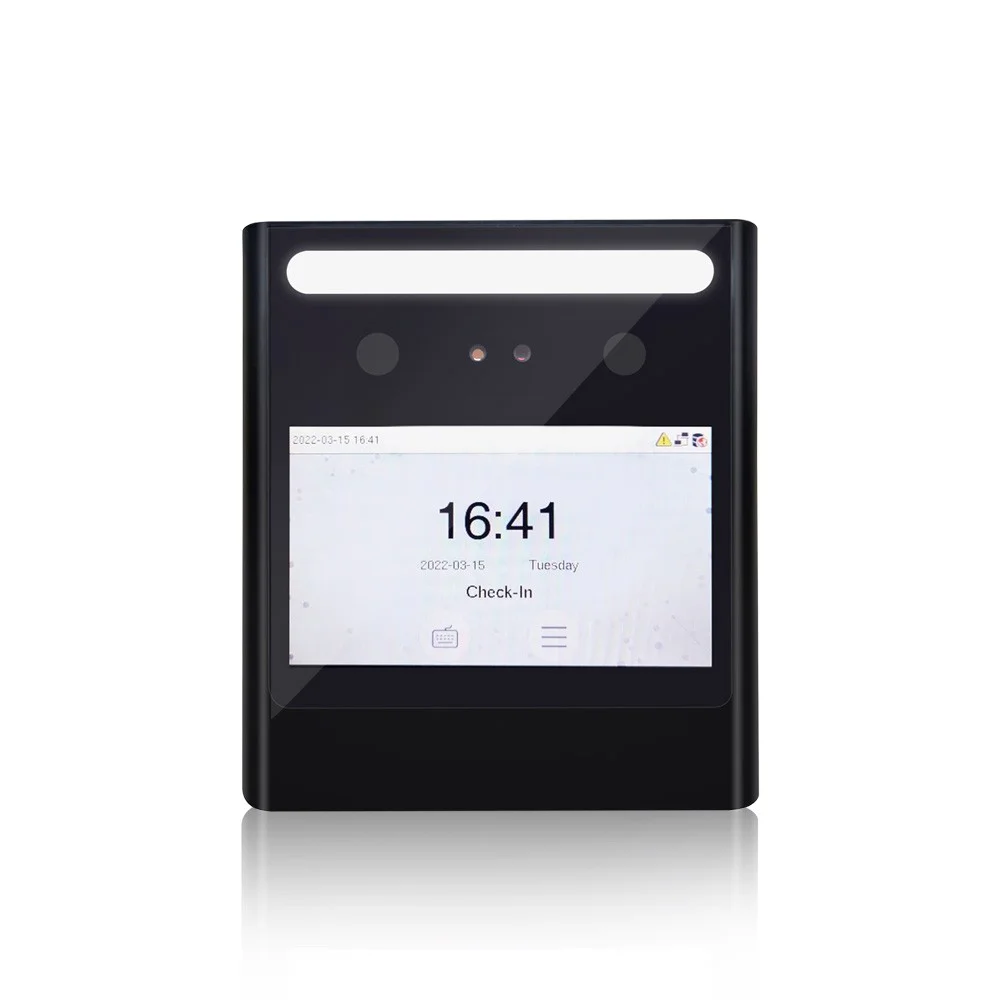
Face recognition clocking machine FAQs
The hardware questions. For consent, DPIAs and what is stored, see biometric face recognition. Or call the Leeds team on 0113 350 9043.
How much does a face recognition clocking in machine cost?▼
From £395 excluding VAT as a one off for the FA1000, also listed as the Eface 10, which is the model most sites use. Larger screens and terminals taking a second credential type run up to about £995. The software is separate at £2 per employee per month excl. VAT. See the
pricing page for the full list and a calculator.
How many terminals will we need?▼
It depends on entrances and on how many people arrive at the same moment, not on headcount. A hundred staff drifting in over an hour manage on one terminal. A hundred arriving for a six o’clock start will queue. Tell us how your mornings actually go and we will say what you need rather than selling you one and letting you find out.
Where should the terminal go on the wall?▼
Out of direct sunlight, and at a height that suits everyone using it. Strong daylight behind somebody, which is what happens at a glass entrance facing south, is the commonest cause of trouble with any face reader and it is a siting question rather than a fault. If your entrance is glazed, mention it and we will look at where the unit should go before it is fitted rather than after.
Does it work with glasses, a beard or a hard hat?▼
Glasses and hard hats are generally fine, since it works from the central features rather than the outline. A beard grown or shaved since enrolment can cause failed reads, and the fix is a re-enrolment that takes under a minute. A mask is the exception: if face coverings stay on in your workplace,
palm is the contactless option that still works.
What happens when somebody leaves?▼
You put a leave date against them in the software and the terminal clears their permission automatically. They cannot clock and they cannot open a door, without anyone walking round the site with a laptop. One thing to plan for separately: the biometric template itself stays on the terminal until it is purged, so removing old templates should be part of your data retention process rather than something you assume happened with the leave date.
What happens if the network goes down?▼
The terminal holds its own records and keeps accepting clockings, syncing when the connection returns. Nobody stands at the door with a clipboard.
Can the same machine open doors?▼
Yes. The same terminal can clock somebody in and release the door through
access control, so entry and attendance are one event and one enrolment rather than two of each. Break glass units are fitted as standard so anybody can get out by hand, and doors can also be released automatically on the fire alarm where your alarm panel is interfaced to the door hardware, which is agreed at survey.
Can it take cards or PINs as well?▼
Yes, and you will want it to. Anybody who declines biometric enrolment needs a way to clock that does not mark them out, and a visitor or contractor will not be enrolled at all. Mixed use at the same terminal is normal rather than a compromise.
How long does enrolment take?▼
Under a minute a person, done at the terminal rather than centrally, which is the one practical difference from fingerprint. For a hundred staff, do it in groups as people arrive over a couple of days rather than trying to enrol everybody at once.
Do the terminals check temperature?▼
We do not offer it and would not recommend it. Temperature readings are health data, which brings obligations well beyond attendance records, and the pandemic-era case for it has largely gone. If a supplier is still selling it as a feature, ask them what lawful basis they expect you to rely on.
How long does installation take?▼
A terminal is usually a morning, including power and network. Power over Ethernet often saves running a separate supply to the door, which is worth asking about if the location is awkward. The software side is quicker:
Syncro Connect runs in days.