What is a fire roll call management system?

A fire roll call management system is a digital evacuation tool that shows who is on site in real time, built from staff clockings, door entries and visitor sign-ins. It replaces paper roll call lists with a live list on each fire marshal’s phone, so marshals can account for everyone quickly and keep a record that supports your workplace fire safety responsibilities.

It allows fire marshals to:

  • Open a live list of everyone on site in seconds
  • Mark each person safe with one tap at the assembly point
  • See at a glance who is still unaccounted for
  • Call anyone who has not arrived, straight from the app
  • See signed-in visitors and contractors on the same list as staff
  • Work the same list with several marshals at once
  • Keep a record of every drill and evacuation, exportable as a PDF or CSV

How the system works

In an emergency every second counts. Six steps, from the first clock-in of the day to the record you keep afterwards.

  1. Employees and visitors check in

    Everyone who clocks in on your time and attendance system, swipes an access controlled door or signs in on the visitor management tablet is logged as they arrive.

  2. A live occupancy list is created

    The list updates as people clock in and out, so the headcount reflects who is on site now rather than who was expected this morning. Anyone the system cannot be sure about, such as a visitor who signed in yesterday and never signed out, is flagged for a check.

  3. Fire marshals open the app

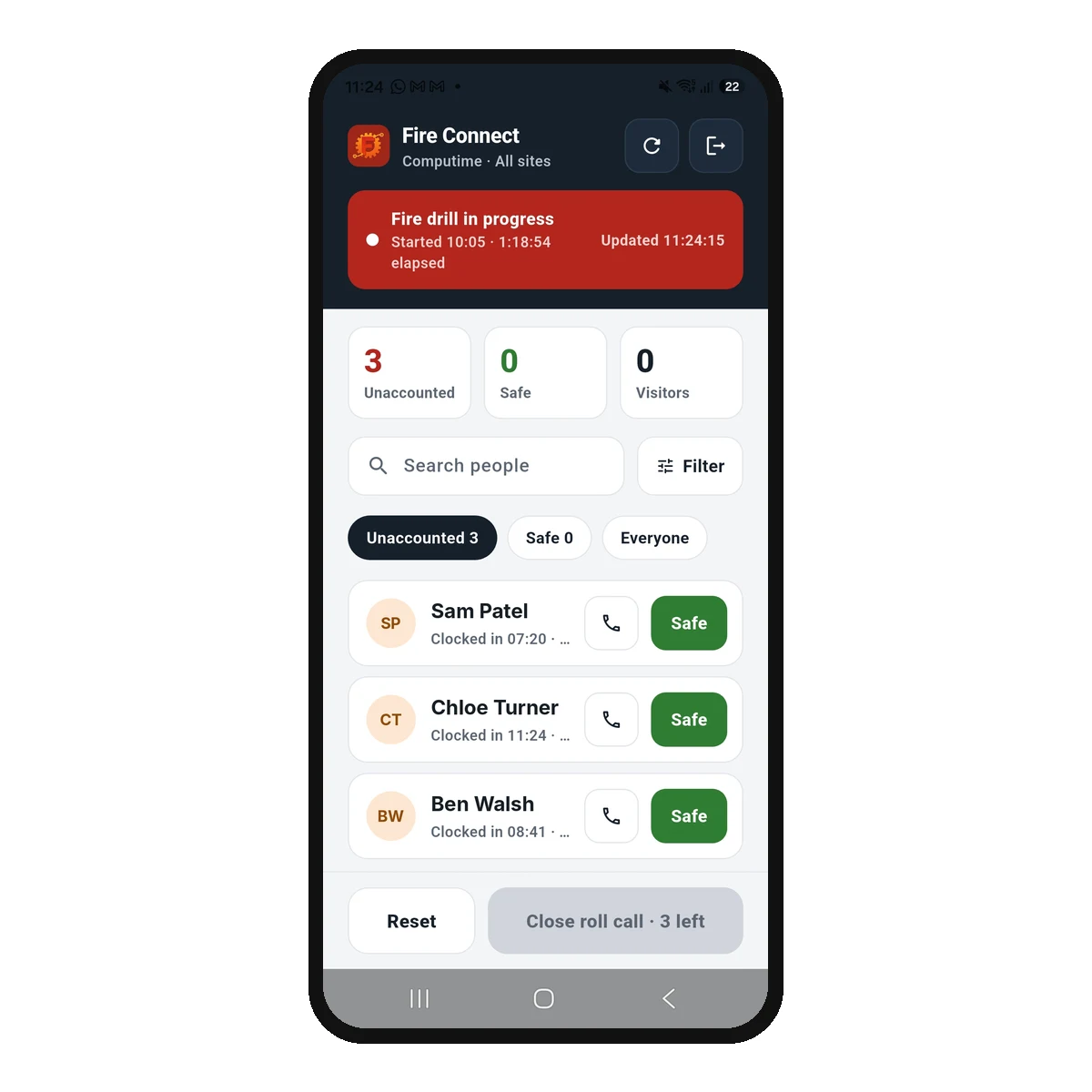
    Fire Connect opens on the marshal’s phone with a passcode, fingerprint or face in about a second. No printed list to fetch from a burning building, just the live list of everyone on site.

  4. The roll call is taken digitally

    One marshal starts the roll call and every other marshal sees it on their own phone. Each person is marked safe with a single tap, and the count of who is unaccounted for falls on every phone at once.

  5. Anyone missing is flagged instantly

    People not yet accounted for stay at the top of the list, and marshals can call them straight from the app. The roll call cannot be closed until everyone is checked.

  6. Review the time taken afterwards

    Every roll call is recorded with how long it took and an accuracy percentage, with a person-by-person report you can export as a PDF or CSV for your fire records. You can see whether drills are improving, and show that they happened.

When it matters

What if something goes wrong on the night?

A roll call system is only worth having if it works when the alarm goes off for real. These are the questions worth asking any supplier, including us.

The marshal’s phone is dead

The roll call is not tied to one device or one person. Every marshal you set up can run it from their own phone, and a marshal can sign in on a borrowed phone with their usual details. Name more than one marshal and the list is with whoever is actually there.

There is no signal at the assembly point

The list stays on screen with the time it was last updated, so marshals can keep working from it. A person can only be marked safe once that tap is saved, so nobody is ever shown as safe who was not recorded, and the list catches up as soon as the signal returns. We would rather show a marshal an older list than tell them someone is safe when nobody recorded it. Test the signal at your assembly point during a drill, whatever system you choose.

The marshal is the one unaccounted for

More than one person can work through the list at once, and anyone with access can pick it up. A paper list in one person’s hand cannot do either.

Every drill is recorded with the time taken and an accuracy percentage, so you find these things out during a practice rather than during a fire.

Roll Call page in Syncro Connect on a laptop, listing past fire drills and roll calls with how long each took

Key features and benefits

Built for the few minutes after the alarm goes off, when nobody has time to learn an app. Here is what Fire Connect and the software behind it do.

Live on-site visibility

See who is on site at any moment, built from your time and attendance clockings, access controlled doors and visitor management sign-ins. The list refreshes itself every thirty seconds.

Instant roll call

Mark each person safe with a single tap, using screens designed to work quickly under pressure. Tapped the wrong name? Undo is one tap away.

Several marshals, one list

Every marshal sees the same roll call on their own phone, and each can filter to their own assembly point, department or site. A second marshal costs nothing extra.

Who is still missing, at a glance

Anyone unaccounted for stays clearly marked, and marshals can call them straight from the app using the mobile number on their record. Anyone the system cannot be sure about is flagged to check in person.

Honest when the signal drops

If the phone loses signal, the list stays on screen with the time it was last updated. Nobody is shown as safe unless that tap was saved, and the list catches up as soon as the signal returns.

Multi-site support

On a larger estate each marshal can filter to their own site, or see all sites at once. Every roll call from every site is kept in one place in Syncro Connect.

Visitors and contractors included

Visitors and contractors signed in on your visitor management tablet appear automatically, tagged with who they are visiting, with no manual updates required.

A record of every drill

Each roll call is logged with the time taken and an accuracy percentage, with a person-by-person report you can export as a PDF or CSV for your fire records. A roll call left open closes itself after twelve hours and is marked incomplete, so nothing goes missing.

iOS and Android compatible

Runs on your marshals’ own iPhone or Android phones, with no specialist hardware required. It opens with a passcode, fingerprint or face in about a second.

Data held in the UK

Occupancy and evacuation records are held in UK data centres with access logged and restricted to named users. See our data security page.

Fire Connect closing a fire roll call, showing three people safe, no visitors outstanding, a duration of 1 hour 19 minutes and confirmation that every check is saved

Live data, when it matters most

Real time evacuation data you can trust

The roll call list is built from live data in your time and attendance and visitor management systems, so it reflects the building as it is rather than as it was planned.

  • Employees appear as soon as they clock in or swipe an access controlled door
  • Signed-in visitors and contractors are included automatically
  • People drop off the list when they clock out
  • Each marshal can filter the list to their own assembly point
  • A visitor who signed in yesterday and never signed out is flagged to check in person
  • Anyone still showing as on site is treated as unaccounted for until confirmed safe

The one thing no system can fix is someone leaving without clocking out, which is why a roll call that shows them as missing is the right behaviour. Marshals can call them from the app in seconds and rule them out, rather than sending someone back into the building. When the last person is checked, the summary shows how many are safe and how long it took, and confirms every check has been saved.

Digital vs paper roll call systems

Why UK businesses are replacing the paper fire register and printed roll call list with a digital fire roll call system.

Comparing traditional paper roll call with a digital fire roll call system
Traditional paper roll call Digital fire roll call system
No. Outdated staff lists that may not reflect who is on site Yes. Real time data, updated as people arrive and leave
No. One copy, in one place, easily damaged or lost Yes. The same live list on every marshal’s iPhone or Android phone
No. Slow manual counting, with names ticked twice or missed Yes. One tap to mark someone safe, with several marshals working at once
No. No way to contact anyone missing during the evacuation Yes. Call anyone missing straight from the app
No. Visitors and contractors often missing from the list Yes. Signed-in visitors and contractors included automatically
No. No record afterwards, unless someone files the sheet Yes. Every drill logged with time taken and accuracy percentage, and exportable as a PDF or CSV for your fire records

Who is this system for?

Any organisation that needs to know who is on site when the alarm sounds. These are the sectors we most commonly support.

Manufacturing and industrial sites

Account for large workforces across shift changeovers, with each marshal filtering the list to their own assembly point or department. See our manufacturing solutions.

Warehouses and logistics

Staff, drivers, contractors and visitors on one list across busy distribution sites, as long as they clock in or sign in. See our logistics solutions.

Construction sites

Account for contractors, subcontractors and temporary workers on sites where the workforce changes daily. See our construction solutions.

Offices and corporate buildings

Staff and signed-in visitors on one list, with each visitor tagged with their host, so marshals on different floors or assembly points can each work their own part of the building.

Multi-site organisations

One system for every location. Marshals filter to their own site, and safety managers see every roll call from every site in one place rather than chasing each site separately.

Schools and education

With Edu Connect, staff, visitors and pupils signed in at the school are on one roll call, with a record of every drill for your fire risk assessment. See our education solutions.

Healthcare and care settings

Know which staff are on site at any hour, including agency staff and night cover. Patients and residents stay with your own evacuation procedures. See our healthcare solutions.

Hospitality

Account for staff across kitchens, floors and back of house, where shifts change through the day and headcount rarely matches the rota. See our hospitality solutions.

One connected system

Connected to your existing systems

The fire roll call system pulls live data from your other Computime systems, so there is no manual data entry and no out of date lists. One source of truth for who is on site.

Time and attendance systems

Employees appear on the roll call list the moment they clock in, and drop off when they clock out.

Access control systems

A swipe at an access controlled door counts as a clocking, so it puts that person on the roll call list too.

Visitor management software

Visitors and contractors are added automatically when they sign in, tagged with who they are visiting, with no manual updates.

UK fire safety law

Fire safety compliance and duty of care

Under the Regulatory Reform (Fire Safety) Order 2005, the responsible person for any non-domestic premises in England and Wales must put effective evacuation procedures in place, supported by guidance from gov.uk and the HSE. Scotland and Northern Ireland have their own fire safety legislation with similar duties. Knowing who is on site, and checking they are out, is how most workplaces make their evacuation procedure work in practice.

A digital fire roll call system helps you:

  • Account for every employee, visitor and contractor who has clocked in or signed in
  • Complete the roll call faster, with each marshal working their own assembly point
  • Keep an exportable record of every drill and live evacuation, with the time taken
  • Show what you did and when, if a regulator or insurer asks

Why choose Computime for fire roll call?

Computime has been providing workforce systems to UK businesses for over 35 years. Based in Leeds, we support more than 800 businesses across construction, logistics, manufacturing, healthcare, education and retail.

The fire roll call system works from your time and attendance and visitor management data, which is what makes the list accurate at the moment you need it. It is £395 a year excl. VAT whatever your headcount, and there is nothing to build: we switch it on and you choose your marshals.

  • Built on 35 years of workforce systems experience
  • More than 800 UK businesses supported
  • Leeds based setup, training and support
  • As many marshals as you need, at no extra cost
  • Runs on your marshals’ own iPhone or Android phones
  • Supports multi-site organisations

800+

UK businesses trust Computime systems

35+

years of UK workforce experience since 1989

4.4

from 23 Trustpilot reviews

£395

a year excl. VAT, whatever your headcount or number of marshals

Download the fire roll call app

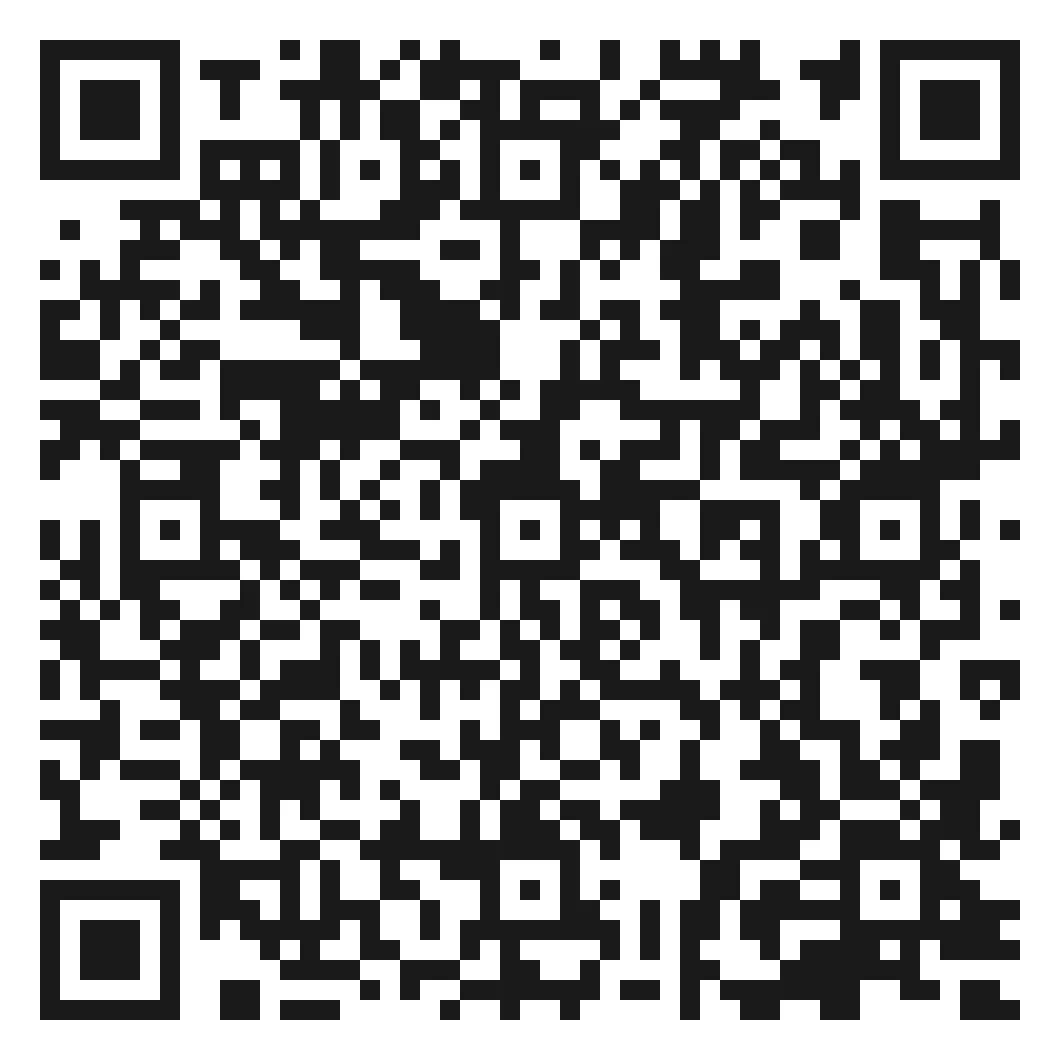
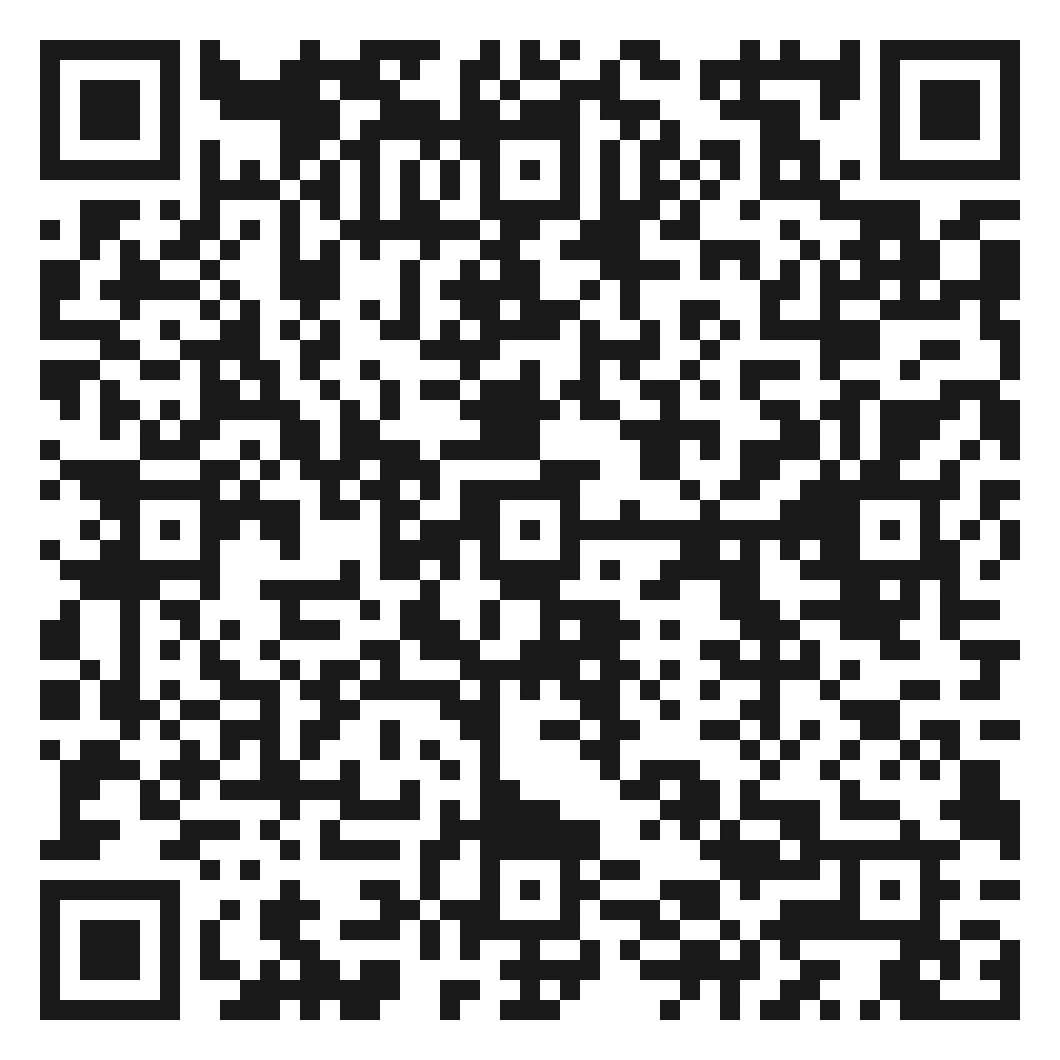
Fire Connect is available on iPhone and Android: search for Fire Connect in the App Store or Google Play. Scan a QR code with your phone camera, or tap through to the store. Each marshal signs in with their Syncro Connect or Edu Connect details, and the Fire Connect guide walks through setup step by step.

Using Realtime? Your roll call runs on the Computime Muster App: see the Realtime fire roll call guide.

QR code to download Fire Connect on Google Play

Google Play

QR code to download Fire Connect on the App Store

App Store

Fire roll call system FAQs

What responsible persons and safety managers ask before choosing a system. If yours is not here, call the Leeds team on 0113 350 9043.

Is a digital fire roll call system legally acceptable in the UK?
Yes. The Regulatory Reform (Fire Safety) Order 2005 does not specify how you account for people, only that your evacuation procedures must be effective. Nothing requires a paper list. What matters is that your fire risk assessment sets out the method, that your marshals are trained in it, and that you can show what happened afterwards. A digital system usually makes the last part easier, because the record is created automatically rather than depending on someone filing a sheet.
Is a fire roll call the same as a fire muster?
Yes. Fire roll call, fire muster and emergency mustering all describe the same thing: gathering everyone at an assembly point after an evacuation and checking each person is out. Offshore and process industries tend to say muster, and most other UK workplaces say roll call. A fire muster app or muster software does the same job as a digital fire roll call system.
Is there an app for fire roll call?
Yes. Syncro Connect and Edu Connect customers use Fire Connect, a free download for iPhone and Android, listed as Fire Connect in the App Store and Google Play. Realtime customers use the Computime Muster App. Either app comes with the £395 a year roll call module, and each marshal signs in with their own details. The Fire Connect guide shows every screen.
What happens if there is no phone signal at the assembly point?
Marshals can keep working from the list, but a person is only marked safe once that tap is saved. In Fire Connect the list stays on screen with the time it was last updated, a Safe tap that cannot be saved is undone with a message, and the list catches up as soon as the signal returns, so nobody is ever shown as safe who was not recorded. The Computime Muster App used with Realtime works offline and syncs later. Whichever you use, stand at your assembly point and test the signal during a drill before you rely on it.
What if someone leaves site without clocking out?
They will show as unaccounted for, and that is the correct behaviour: the system should err towards someone being in the building rather than assuming they left. The difference a digital system makes is what happens next. Instead of sending a marshal back inside to look, you call that person from the app and rule them out in seconds. No roll call system, digital or paper, can know about someone who slipped out of a side door, so the honest answer is that the process handles it rather than the technology preventing it.
Does it include visitors and contractors?
Yes, if they signed in through visitor management. They appear on the same roll call list as staff, tagged with who they are visiting, which matters because visitors and contractors are the people least likely to know where the assembly point is. If a visitor signed in yesterday and never signed out, the app flags them to check in person, with the reason, so marshals look for them rather than assume either way. If you take visitors and do not have a sign-in system, that is the gap worth closing first.
How much does a fire roll call system cost?
£395 a year excl. VAT, flat, whatever your headcount and however many marshals you name. A site with 500 people pays the same as a site with 40. It is an add-on to Syncro Connect or Realtime, because the roll call is built from your clocking data, so you need one of those in place for it to work. If you only want the roll call, Fire Connect can run on Syncro Connect without the time and attendance software, so the £395 a year is the only software cost. You still need clocking terminals, because that is how the list knows who is in.
Can more than one fire marshal run the roll call at the same time?
Yes, and on a larger site you should. One marshal starts the roll call and every other marshal sees it on their own phone. Each can filter to their own assembly point, department or site, while the counts always cover the whole roll call, so a 300 person roll call is not queueing behind one person with one phone. It also means the count continues if the person who normally does it is away, off site, or the one who is unaccounted for.
Do we still need to run fire drills?
Yes. Most workplaces should run at least one a year, and your fire risk assessment may call for more depending on the premises and the people in them. A digital system does not replace drills, it makes them worth more: each one is logged with the time taken and an accuracy percentage, so you can see whether things are improving and spot the practical problems, like a marshal whose phone was in a locker, while it is still only a drill. Our guide to how often fire drills should be carried out covers frequency and what to record.
Can we export the roll call records?
Yes. Every roll call is kept in Syncro Connect with when it started, who started and ended it, how long it took, its accuracy percentage, and how many people were safe or outstanding. The roll call report goes person by person, showing who marked each person safe and when, and can be exported as a PDF or CSV for your fire records or an insurer. A roll call left open closes itself after twelve hours and is recorded as incomplete, so it is never lost.
How is roll call data handled under UK GDPR?
A roll call list is personal data, since it shows who was on site and when, but it is ordinary personal data rather than special category, unlike sickness records. Most employers rely on legal obligation or legitimate interests as the lawful basis, given the duty to account for people in an emergency. Records are held in UK data centres with access logged and restricted to named users, and a manager can delete a roll call that was started by accident. Our data security page sets out how it is stored.
Where should the roll call be taken?
At your assembly point, which should be a safe distance from the building, upwind where possible, and clear of traffic and the routes the fire service will use. There is no fixed legal distance; it is set by your fire risk assessment. Each marshal can filter the list to their own assembly point, which matters on sites where different groups muster in different places. We cover this in more detail in where should fire roll call be carried out.
How long does it take to set up?
Not long, because there is nothing to build. If you already have Syncro Connect, we switch the module on, you tick which people are fire marshals, and they install the app and sign in with their usual details. If you use more than one assembly point, each person’s assembly point is set on their record so marshals can filter by it. The real decisions, who your marshals are and who musters where, are usually in your fire risk assessment already.
Can we try it before committing?
Yes. Start a free trial of Syncro Connect with no card required, or book a demo and we will show the roll call running against a list like yours. If you are replacing an existing system, tell us what it does now and we will be straight with you about whether this is an improvement.

Fire Connect

Run your next fire drill from your phone

Fire Connect is £395 a year excl. VAT on Syncro Connect. Book a demo and we will run a live roll call in front of you, or talk to the Leeds team about your site.

Left Menu Icon