Logistics workforce management FAQs
What operators ask before changing a system. If yours is not here, call the Leeds team on 0113 350 9043.
Which time and attendance software suits warehouse and transport staff?▼
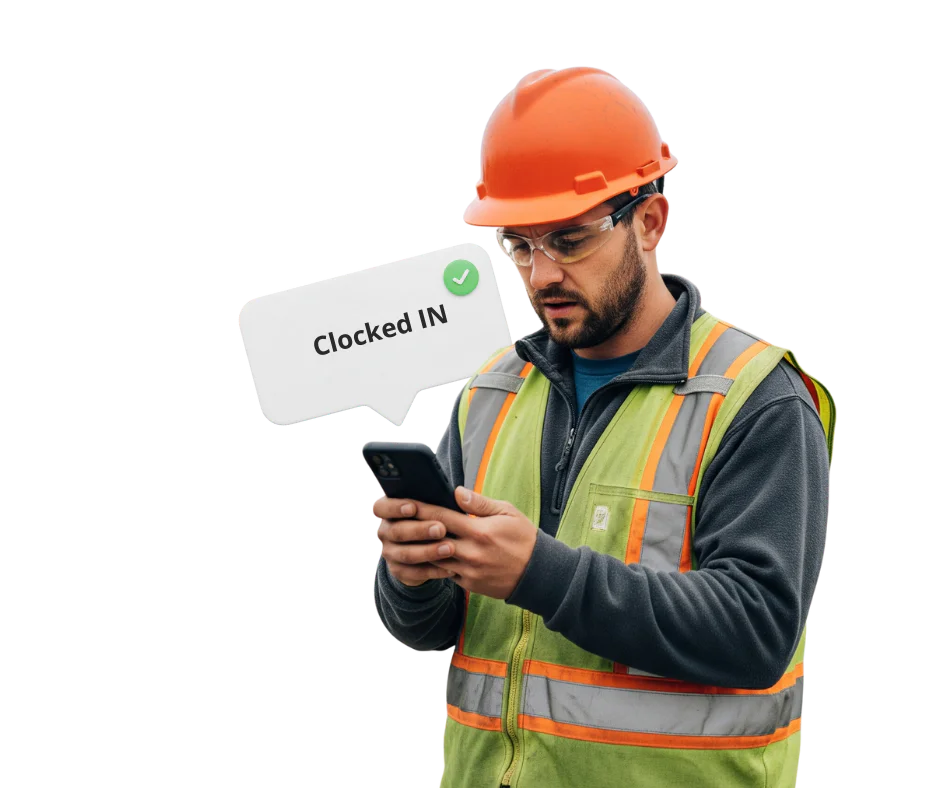
One that records both groups in the same place: a terminal at the depot door for warehouse and shift staff, and a phone app for drivers and anyone who starts the day somewhere else.
Syncro Connect does both, with the hours landing on one timesheet and one payroll export. It also needs to cope with agency turnover and with shifts that run through the night, which is where systems built for an office tend to struggle.
Does this handle drivers’ hours and tachograph rules?▼
No, and it is important to be clear about that.
Drivers’ hours under GB and EU rules are a separate regulated regime with their own recording requirements, met through tachographs and tachograph analysis software. What we record is attendance: when somebody started and finished, and what they should be paid. The two things sit alongside each other and most operators run both. Any workforce supplier suggesting their system covers drivers’ hours compliance is worth questioning closely.
How do you handle warehouse staff and drivers in one system?▼
Different clocking methods, one set of records. Warehouse and depot staff clock at a terminal on their way in, drivers use the app from wherever they are, and both feed the same timesheet and the same payroll export. That is usually the thing operators are trying to solve, because running two systems means somebody reconciles them every week.
Is there a mobile app for warehouse and logistics teams?▼
Yes. The
Syncro Connect app lets staff clock in and out, mark themselves as travelling, request holiday, report sickness and see their own hours. It works offline and uploads when signal returns. It is £3 per employee per month excl. VAT including the software, or staff who only clock at a terminal can stay on the £2 software alone.
Can we set up agency and temporary staff quickly?▼
Yes, and in logistics that is often the deciding factor rather than the clocking itself. Adding somebody takes a minute, a card takes seconds to issue, and entering a leave date stops their clocking and door access together, so nobody keeps a working credential after their last shift. Peak intakes of twenty or thirty people are routine rather than a problem.
Is it a warehouse management system?▼
No. Stock, picking, put-away, pick rates and load planning all belong in a WMS or TMS, and those systems do them properly. We handle the people: hours, shifts, absence, access and roll call. Plenty of customers run us alongside a warehouse system, and if a WMS is what you are actually looking for we will tell you that rather than take you through a demo first.
Does it work across several depots?▼
Yes, on one system with access restricted by department, so a depot manager sees their own people rather than everyone in the group. Somebody who covers two sites carries one credential rather than one for each, and hours report by site, department or cost centre. Pricing is per person rather than per site, which matters if you run more than a couple.
Can it schedule shifts and build rotas?▼
Not in Syncro Connect yet. The rota module is coming later in 2026, and staff will see their shifts in the app when it lands. Today Syncro records what actually happened against the shift patterns we set up with you. If building rotas is the main reason you are looking,
Realtime has them now and we will tell you plainly which suits you.
Which clocking method suits a depot?▼
Cards or fobs work well and are simple to issue to agency staff, which is why most depots start there.
Biometrics tie the clocking to the person, which some operators want where turnover is high, though it brings consent obligations that cards do not. Facial recognition tends to suit better than fingerprint if people arrive in gloves or handle goods all day.
What about drivers with no signal?▼
The app works offline and uploads when signal returns, so a clocking made in a lay-by with no coverage is not lost.
Location is recorded at the moment of clocking and at no other point, so this is not vehicle tracking and would not do the job if that is what you want.
Does it help with the Working Time Regulations?▼
It gives you the records, not the compliance. Every clocking is time-stamped, so you can show the hours each person worked and when. It does not calculate the 48-hour average over a reference period, and drivers may also fall under the separate road transport rules. GOV.UK sets out
maximum weekly working hours and
drivers’ hours, and both are worth checking against how your teams are contracted.
Can we account for drivers and visitors in an evacuation?▼
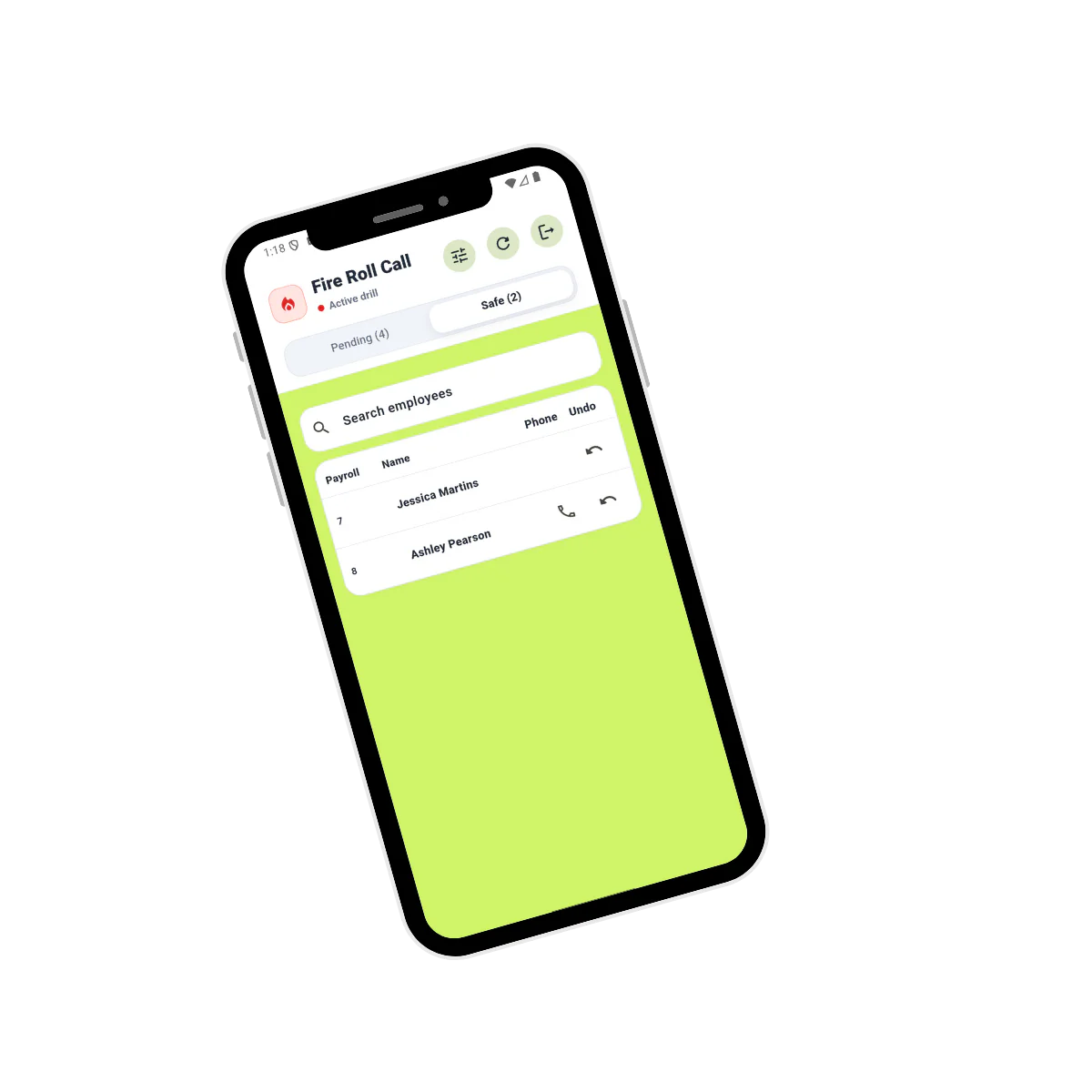
Yes, provided they signed in. Anyone recorded through
Visitor Connect appears on the
fire roll call alongside staff. On a depot that is the group most likely to be missed, since a third party driver is nobody’s direct report and may have arrived twenty minutes ago.
How much does it cost?▼
£2 per employee per month excl. VAT for the software, or £3 with the mobile app for drivers and anyone off site. Terminals from £395 excl. VAT one off. Visitor Connect is £495 a year, Fire Connect £395 a year and Access Connect £395 a year, with door hardware quoted per site. Charged per person rather than per site, so a group with six depots pays the same as one with two.
How long does it take to put in?▼
Staff can start clocking from the first day, and most operators are fully set up in about two weeks. Terminals arrive configured, so they are a plug-in rather than a project. The real work is agreeing your rules: shift patterns, night and weekend premiums, when overtime starts, how agency hours are handled. That is a conversation with whoever runs your payroll and it is worth doing carefully.