£395

clocking machines from, one-off, excl. VAT

£2

per employee per month for the software, excl. VAT

9

machines: fingerprint, face, palm and RFID

800+

UK businesses use our systems

Clocking in machines and prices

Nine terminals, each a one-off purchase that works with our time and attendance software. All prices excl. VAT. Every machine is configured at our Leeds office and sent next day, so it arrives ready to plug in.

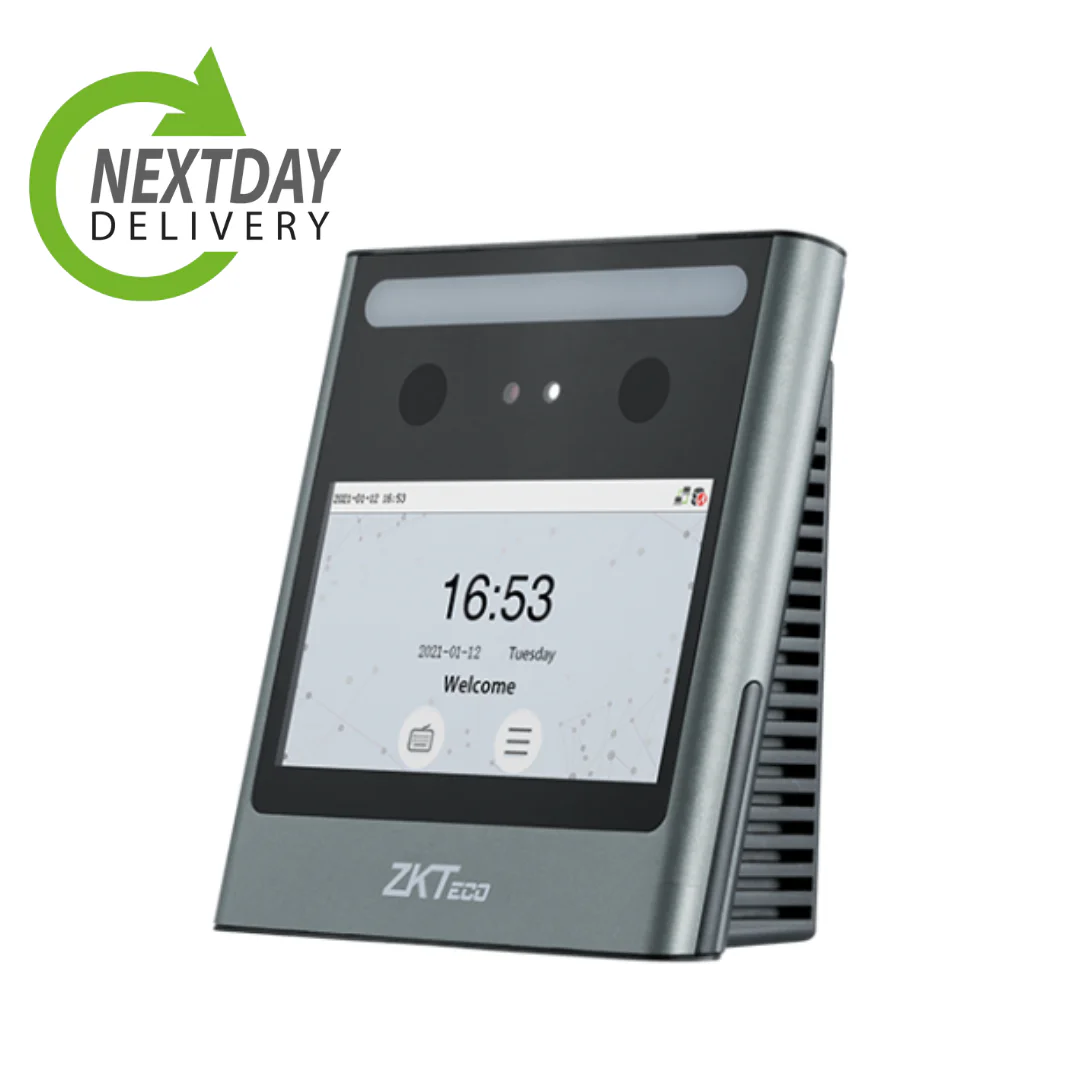
Eface 10 facial recognition clocking in machine

Entry level

Eface 10 facial recognition clocking in machine

£395.00 excl. VAT

  • Best for small businesses and offices
  • Real time data syncing via WiFi
  • Compatible across our software
  • Data stored in the UK, with access logged
  • Backup RFID card and PIN as standard

View and buy the Eface 10

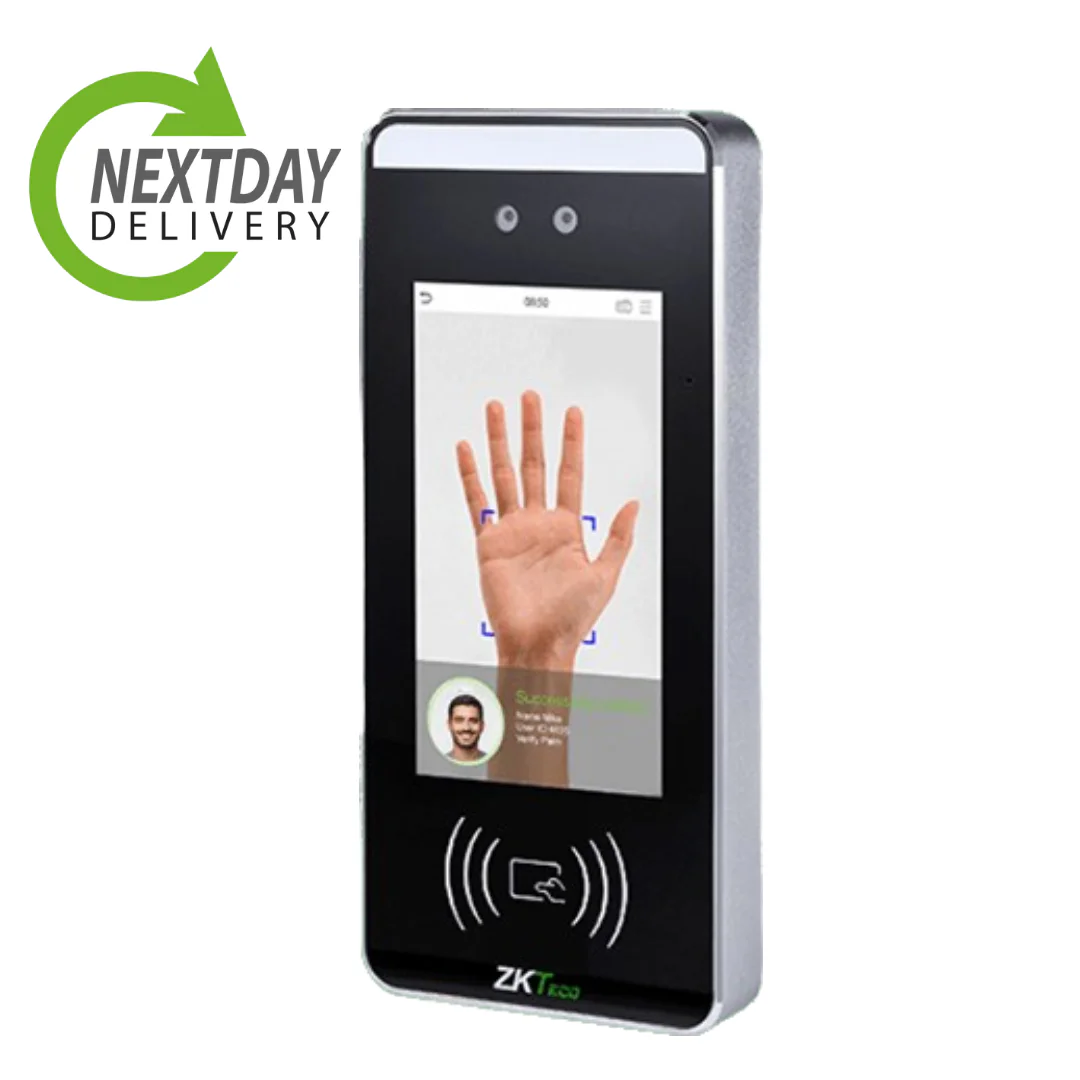
Bioface facial and palm recognition clocking in machine

Mid-tier

Bioface facial recognition clocking in machine

£595.00 excl. VAT

  • Fast facial recognition for quick clock-ins
  • Real time data syncing via WiFi
  • Works fully with our time and attendance system
  • Data stored in the UK, with access logged
  • Backup multi-authentication (face, RFID, palm)

View and buy the Bioface

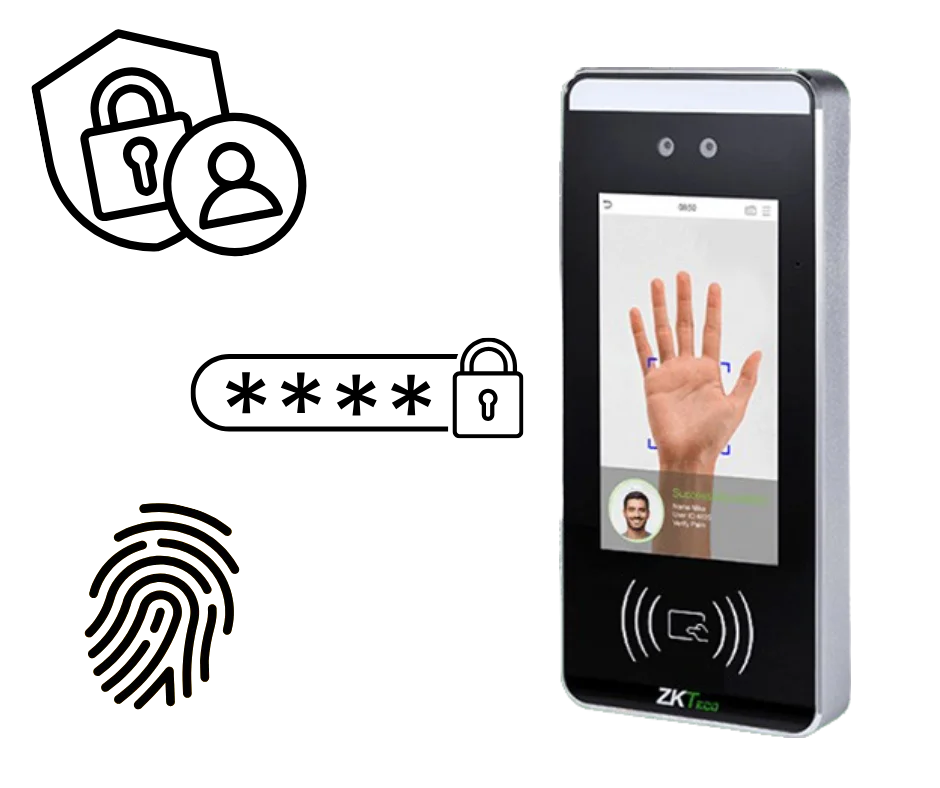
Bioface MTD face, palm, fingerprint and RFID clocking in machine

Premium

Bioface MTD facial recognition clocking in machine

£995.00 excl. VAT

  • All the features of the Bioface, plus:
  • Face, palm, fingerprint and RFID on one terminal
  • Ideal for mixed workforces where fingerprints struggle
  • Data stored in the UK, with access logged

View and buy the Bioface MTD

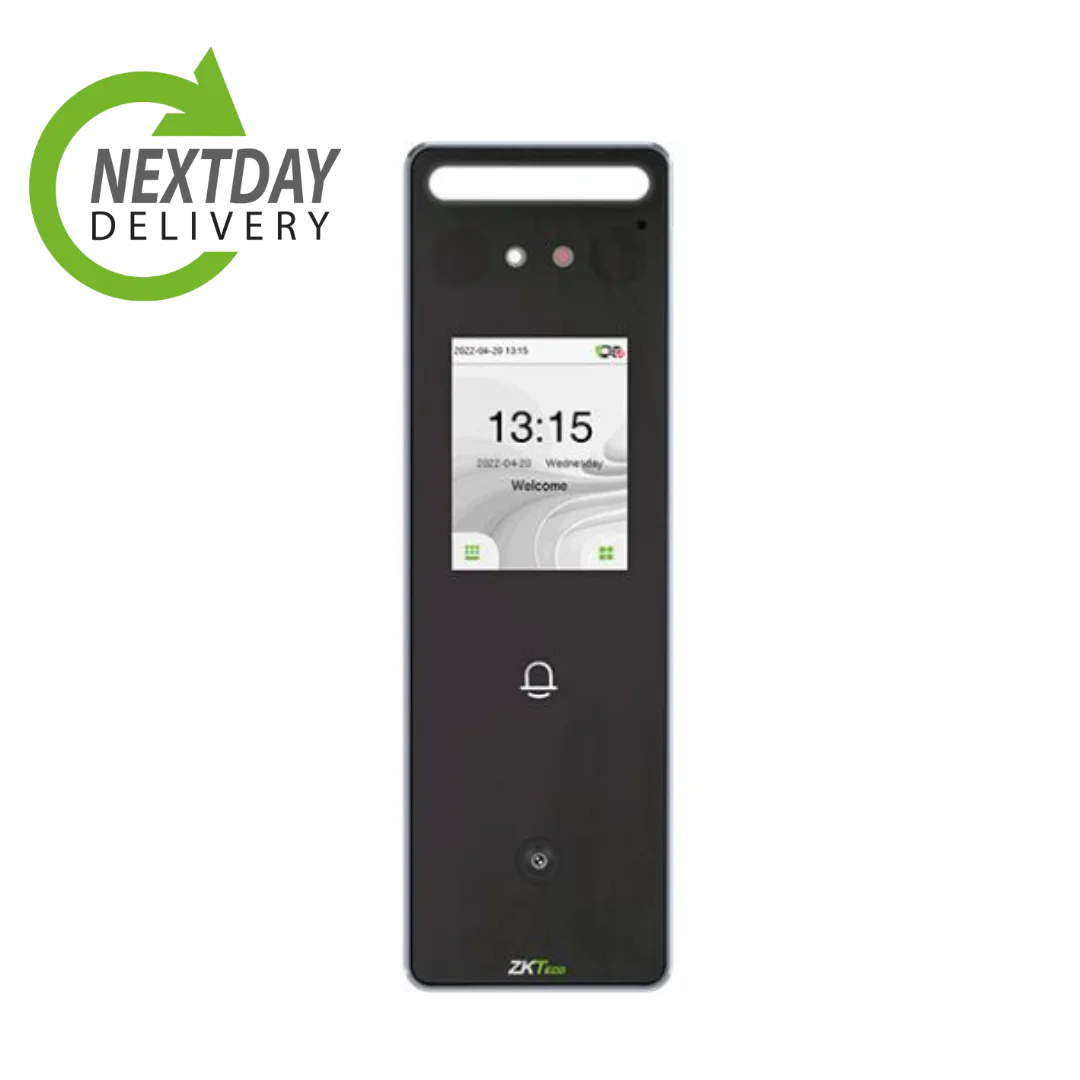
Speedface V3L weatherproof facial recognition clocking in machine

Weatherproof

Speedface V3L clocking in machine (facial recognition)

£595.00 excl. VAT

  • Facial recognition clocking machine
  • IP65 rated, weatherproof, WiFi enabled
  • Compatible across time and attendance and access control
  • Data stored in the UK, with access logged
  • Backup RFID card and PIN as standard

View and buy the Speedface V3L facial recognition

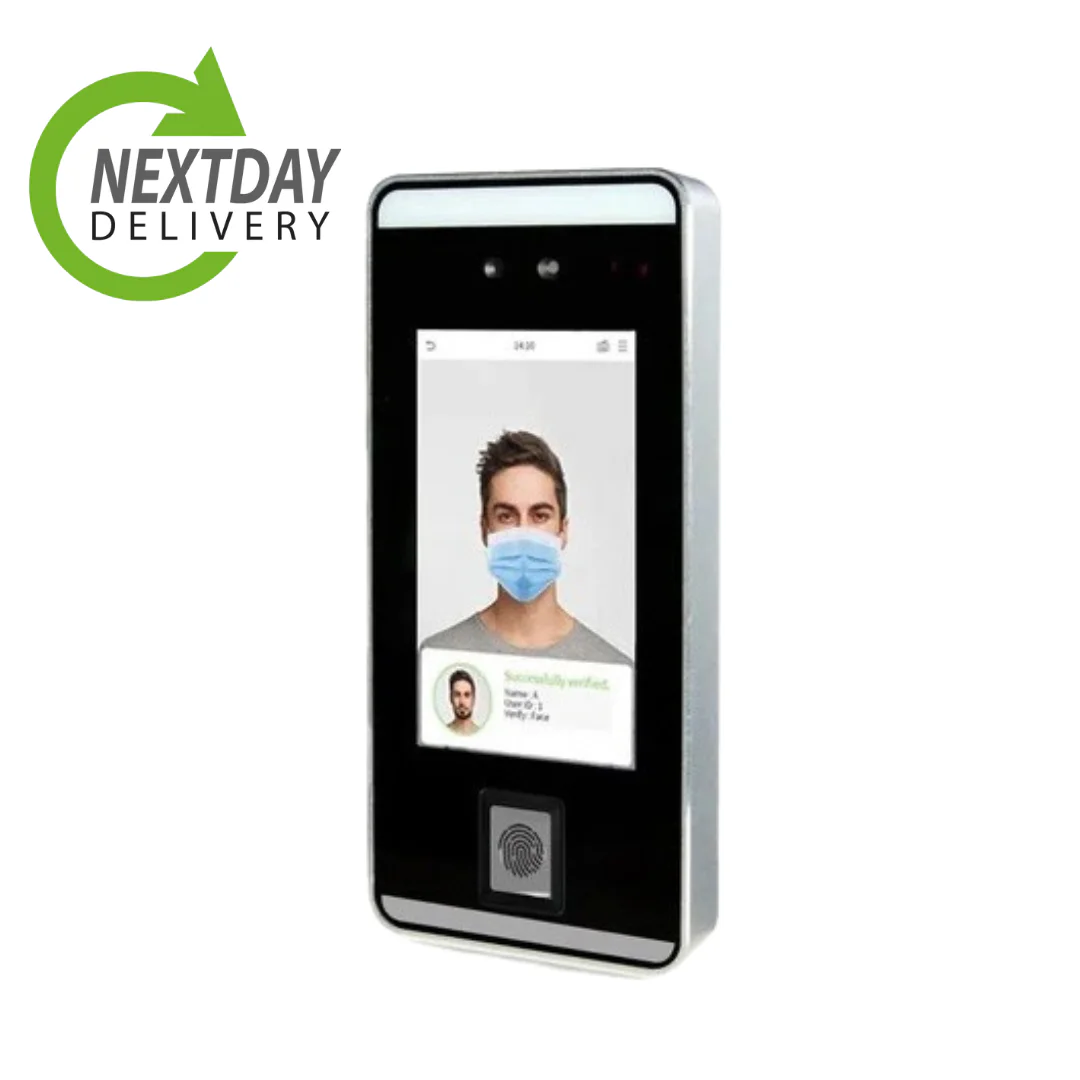
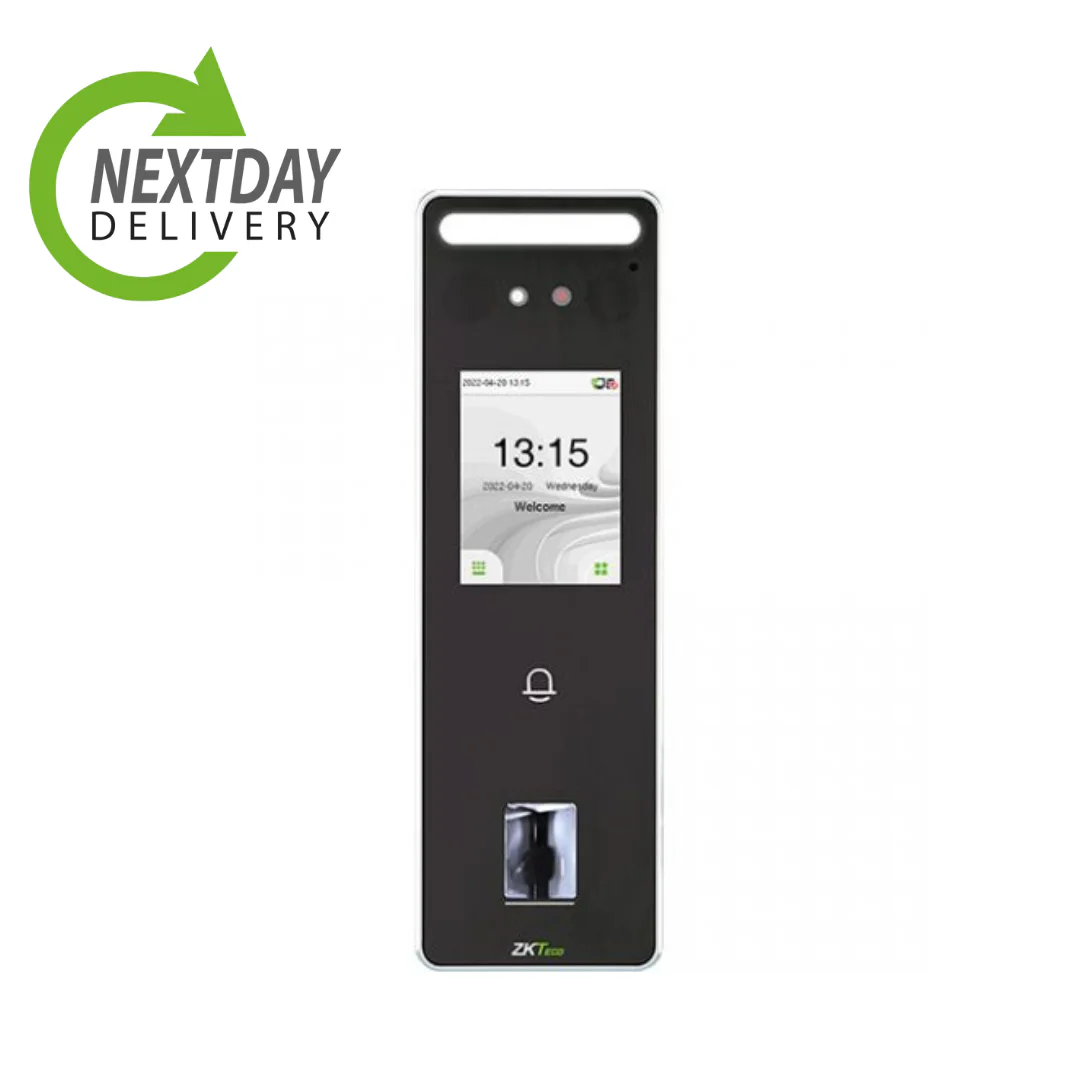
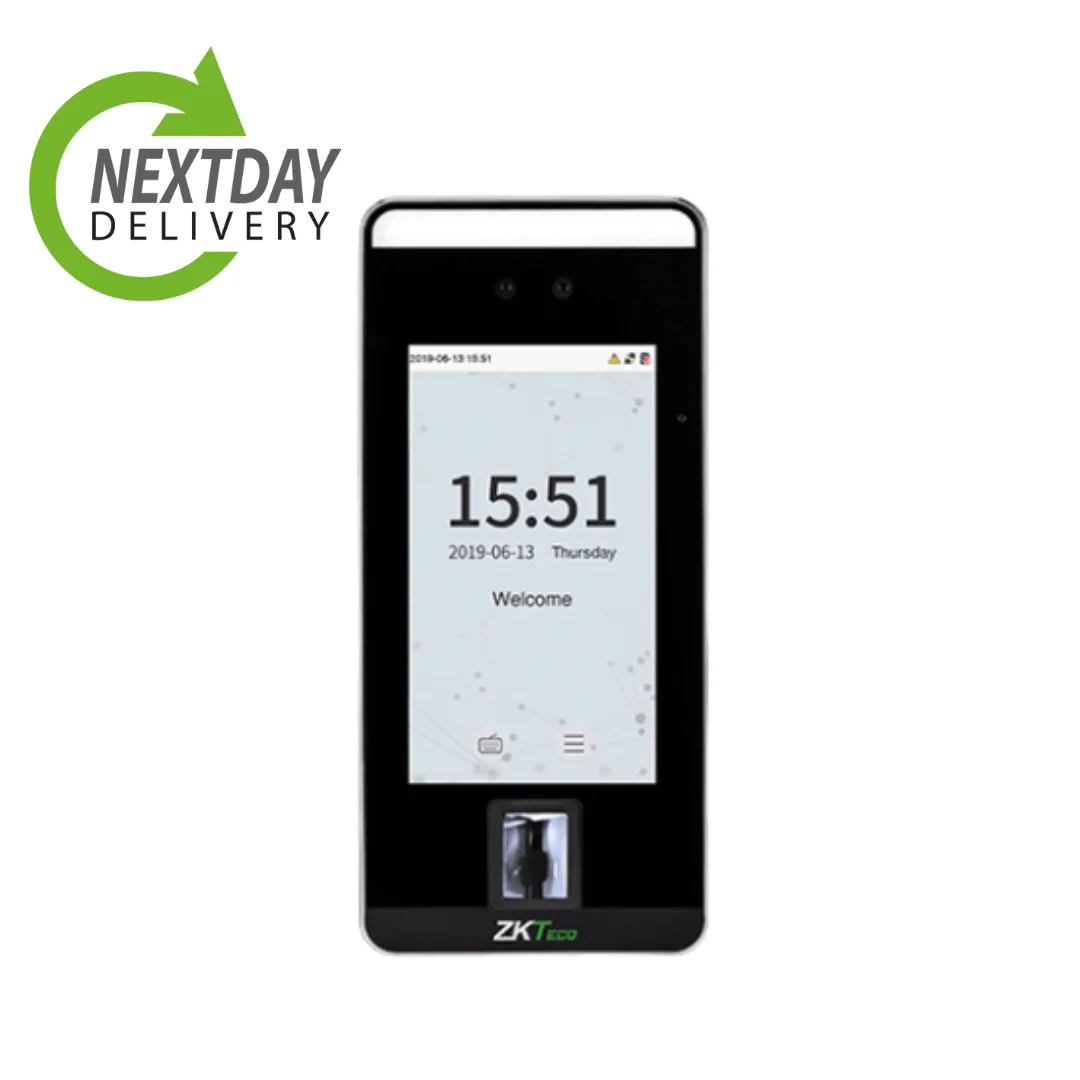
Speedface V3L weatherproof face and fingerprint clocking in machine

Weatherproof

Speedface V3L clocking in machine (face and fingerprint)

£795.00 excl. VAT

  • Face and fingerprint recognition machine
  • IP65 rated, weatherproof, WiFi enabled
  • Compatible across time and attendance and access control
  • Data stored in the UK, with access logged
  • RFID and PIN backup

View and buy the Speedface V3L face and fingerprint

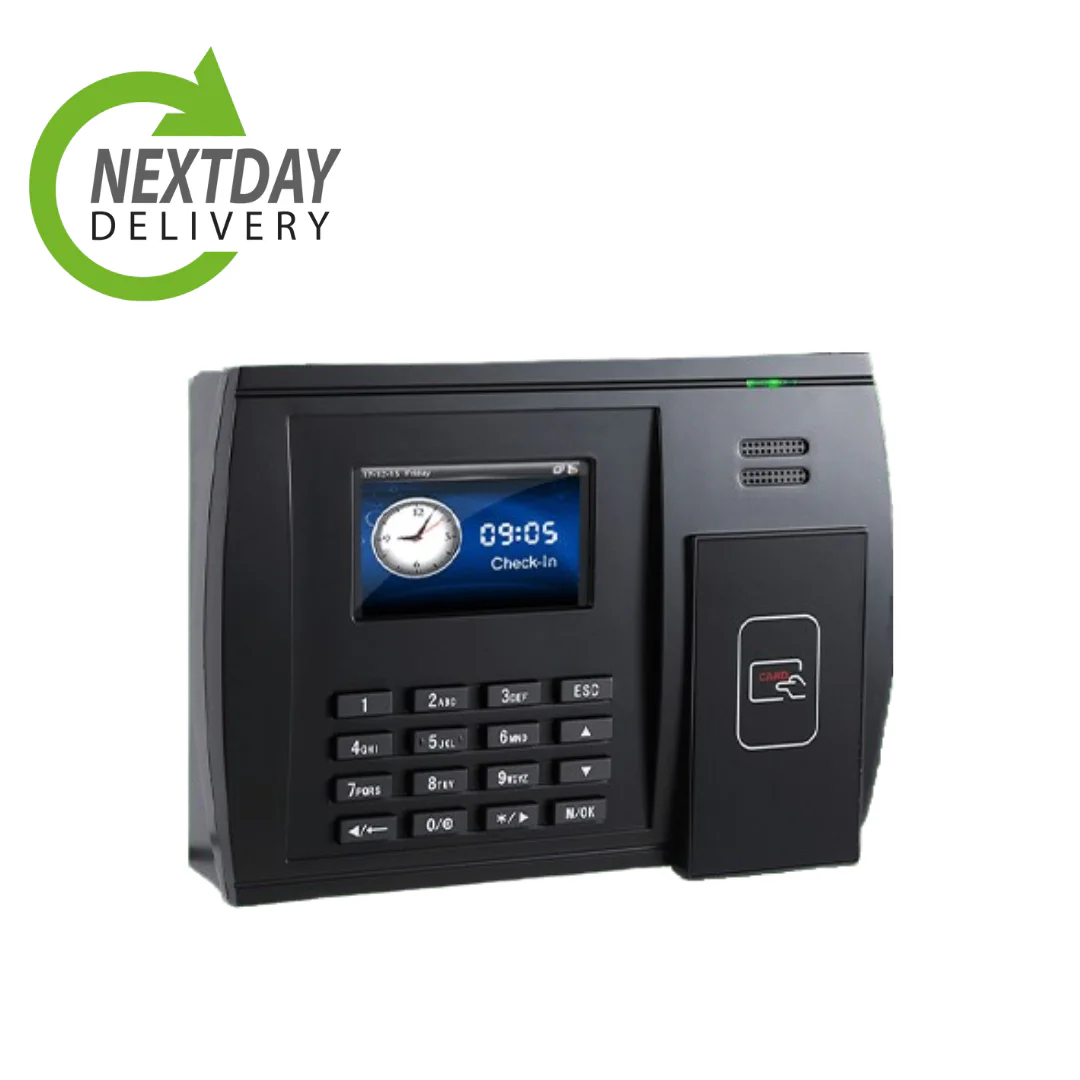
S600 RFID card and fob clocking in machine

No biometrics

S600 RFID clocking in machine

£395.00 excl. VAT

  • RFID card and fob clocking machine
  • Internal memory, WiFi enabled
  • Compatible across our time and attendance system
  • No biometric data recorded, so no special category data to justify
  • Backup PIN as standard

View and buy the S600

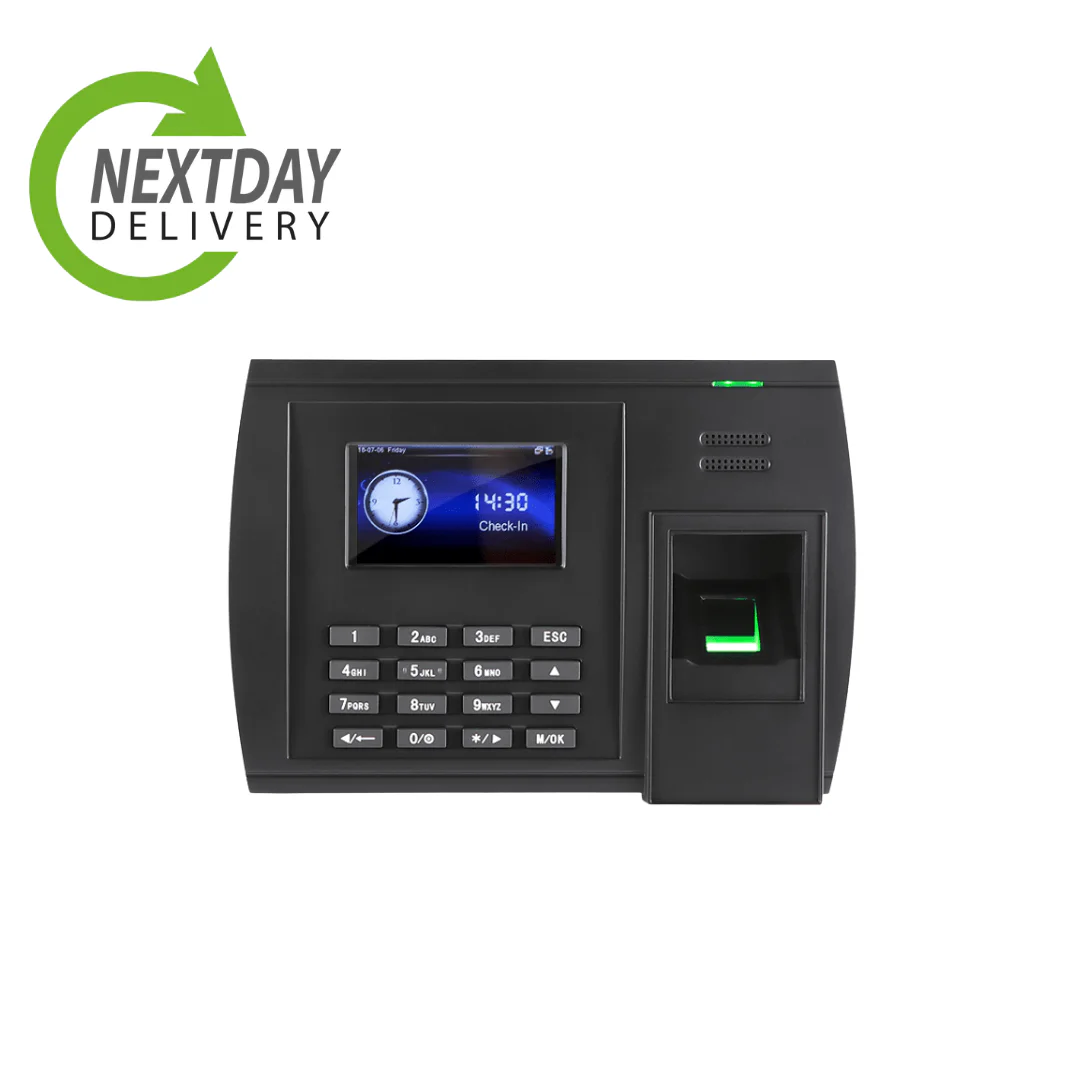
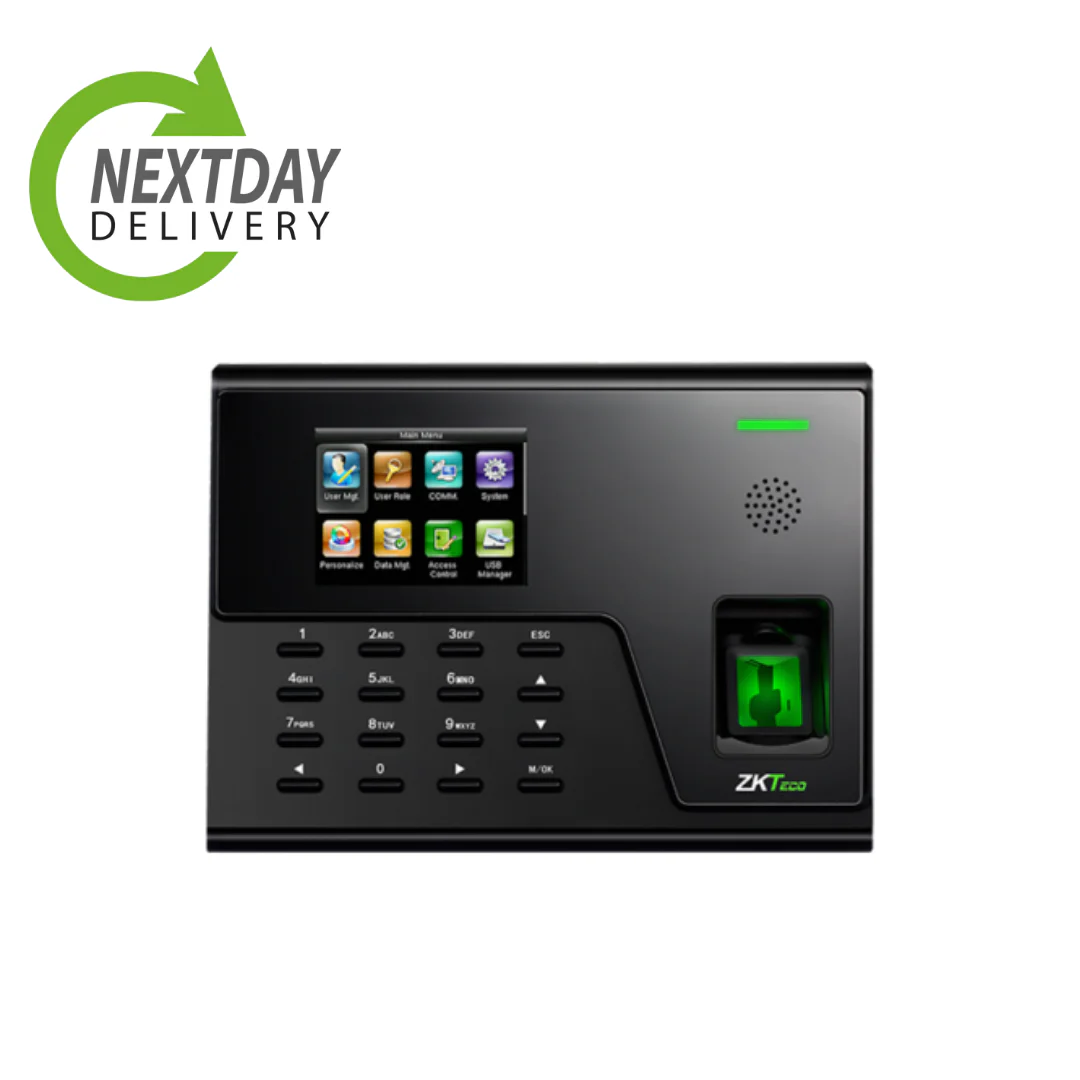
U600 fingerprint clocking in machine

Fingerprint

U600 fingerprint clocking in machine

£495.00 excl. VAT

  • Fingerprint recognition clocking machine
  • Internal memory, WiFi enabled
  • Compatible across our time and attendance systems
  • Fingerprint clocking explained
  • Backup RFID card and PIN as standard

View and buy the U600

UA760 fingerprint clocking in machine

Fingerprint

UA760 fingerprint clocking in machine

£595.00 excl. VAT

  • Fingerprint recognition clocking machine
  • Internal memory, WiFi enabled
  • Compatible across our time and attendance systems
  • Data stored in the UK, with access logged
  • RFID and PIN backup

View and buy the UA760

SpeedFace-V5L face and fingerprint clocking in machine

Face and fingerprint

SpeedFace-V5L clocking in machine (face and fingerprint)

£895.00 excl. VAT

  • Face and fingerprint recognition machine
  • Internal memory, WiFi enabled
  • Compatible across our time and attendance systems
  • Data stored in the UK, with access logged
  • PIN backup as standard

View and buy the SpeedFace-V5L

Not sure which clocking method is right for you?

Every Computime terminal works with our time and attendance software, so the choice comes down to how your team works. Fingerprint and facial recognition make it far harder for one person to clock in for another, swipe cards keep things simple for offices, and the mobile app covers remote and field teams. The breakdown below helps you match the method to your business. For a fuller walk-through, see our guide to choosing a clocking in system.

Which clocking system is best for your business?

Each clocking system suits a different working environment. Here is a simple comparison to help you find the right fit.

Comparing RFID, fingerprint, facial recognition and mobile app clocking
System type Best for Cost Accuracy Key benefit
RFID cards Offices and small teams Low Medium Simple and affordable, with no biometric data recorded
Fingerprint Warehouses and secure sites Medium High Makes it far harder to clock in for someone else
Facial recognition Multi-site and busy entrances Higher Very high Contactless and fast, and works with gloves on
Mobile app Remote and field teams Low to medium High Flexible, with GPS at the point of clocking

Get expert advice on the right clocking system

Choosing the right clocking system is not just about tracking time. It is about reducing costs, improving accuracy and knowing exactly who worked when.

What businesses gain by switching

Moving from manual timesheets to an automated clocking system typically delivers:

Every clocking tied to the right person, making it far harder for one person to clock in for another
Fewer payroll errors from manual data entry
Less time spent on payroll processing and admin
Improved visibility of attendance, lateness and overtime
Accurate records of hours worked for payroll, HR and National Minimum Wage compliance

How we help you choose

With over 35 years of experience since 1989 and more than 800 UK businesses supported, we recommend the right system based on:

Your team size and structure
Your industry requirements
Security needs, whether biometric, RFID or mobile
Your payroll and software integrations
Your budget and plans for growth

We do not just sell clocking systems, we provide tailored recommendations to suit how your business works. Speak to our team for a free consultation and find the right clocking system for your workforce.

Understanding the different types of clocking systems

Choosing the right clocking system depends on your business size, working environment and level of security required. Here is a simple breakdown of the most common types used by UK businesses.

Biometric fingerprint

Uses unique fingerprint data to identify employees. A reliable way to know who clocked in, making it far harder for one person to clock in for another.

Best for

Warehouses, manufacturing, construction, and businesses that need certainty about who worked when

Learn more about fingerprint clocking

Facial recognition

Completely contactless clocking using facial recognition. Employees simply stand in front of the device, with nothing to touch and no card to carry, and it works with gloves on.

Best for

Healthcare, retail, multi-site businesses, and busy entrances where a queue would build up

Learn more about facial recognition

RFID swipe card

Employees use RFID cards, fobs or key tags to clock in and out. One of the most cost-effective and simple options, with minimal training required and no biometric data recorded.

Best for

Offices, small businesses, and anywhere you would rather avoid the biometric question entirely

See RFID machines

Mobile and cloud based

Employees clock in using a smartphone app or web browser, with GPS recorded at the point of clocking. Ideal for remote, field based and hybrid workforces, with no hardware required.

Best for

Remote teams, field workers, engineers, and multi-location businesses

Learn more about the app

Case studies

See how UK businesses use Computime to manage their workforce.

We are really pleased with our Computime solution. Introducing this system means that payroll is now processed accurately and efficiently, helping to boost morale both for our head office staff and our field teams. Real time data means we know where our employees are, allowing us to operate more efficiently.

James Dunlop, Financial Manager, Landworth Electrics

Read the Landworth Electrics case study

We are very pleased with the smooth implementation. Computime worked very hard to make sure installation was completed within the time frame and with minimum disruption. The in-depth training allowed us to focus on production and keeping our employees safe at work while ensuring efficiency.

Clare Barker, HR Manager, Wholebake Limited

Read the Wholebake case study

Clocking system FAQs

The questions small businesses ask before choosing a clocking system. If yours is not here, call the Leeds team on 0113 350 9043.

What is the best clocking in machine for a small business?
For most small businesses, an RFID card or fob terminal from £395 excl. VAT does the job: it is the cheapest option, needs no enrolment beyond handing out a card, and records no biometric data. Choose fingerprint or facial recognition if you need certainty that the person clocking is the person working, or if cards keep getting lost. If your team is out on the road rather than on site, the mobile app may mean you need no machine at all. See the full range on our products page.
How much does a clocking in system cost for a small business?
Two costs: the machine and the software. Terminals are a one-off from £395 excl. VAT, and software is £2 per employee per month excl. VAT, or £3 with the GPS mobile app. So a ten person business with one RFID terminal is around £395 up front and £20 a month. There are no setup fees, and billing is annual as standard with monthly payments available. See our pricing page for the full breakdown.
Do I need a machine at all, or can staff clock in on their phones?
Phones are enough for a lot of small businesses, particularly if your team works off site. The Syncro app runs on staff’s own iOS and Android phones and records GPS at the point of clocking, and staff can also clock in from a web browser. A machine makes more sense where staff do not carry phones at work, where you want a fixed point everyone passes, or where you need certainty about who clocked in. Plenty of businesses run both.
Is a clocking system worth it for a team of ten?
Usually, and the sum is easy to check. Ten people on software alone is £20 a month excl. VAT. If working out timesheets takes someone an hour a week, the system has paid for itself before you count a single payroll correction. Where it is less clear cut is a very small team all on fixed hours who start together, and we will say so rather than sell you something you do not need.
Does a clocking machine need wiring in or an IT project?
No. Terminals arrive already configured for your business and most connect over WiFi, so there is no network cabling to run. You mount it, plug it in, and staff enrol at the device if it is biometric. Our Leeds team fits and tests it if you would rather not do it yourself.
Is fingerprint or facial recognition clocking legal in the UK?
Yes, but with conditions. Fingerprint and face data are special category data under UK GDPR, so you need a lawful basis, usually a data protection impact assessment before rolling it out, and a non-biometric alternative for anyone who objects. Consent alone is rarely safe in an employment context because of the imbalance between employer and employee. If that is more than you want to take on, an RFID card system avoids the question entirely. Our UK GDPR guide covers what you need in place.
What happens if a card is lost or someone forgets to clock in?
A lost card is deactivated in software and replaced, with nothing to change at the terminal. A missed clocking is flagged as an anomaly rather than quietly losing the shift, and a manager amends the record with an audit trail showing who changed what. That is the practical advantage over paper: you find out on the day rather than on payroll day.
Will the hours come through to payroll automatically?
Once you have approved them, the system produces an export in the layout your payroll package expects, set up for Sage, Pegasus, QuickBooks, BrightPay, Xero, IRIS and ADP, so nothing is typed in twice. Tell us which payroll you run and we will confirm what the export looks like before you commit to anything.
Can one machine cover more than one site?
Each site needs its own terminal, but they all feed one system, so you see every site from a single dashboard rather than reconciling separate records. Staff who move between sites can clock at any of them. If some of your team are mobile rather than site based, the app covers them without another machine.
How quickly can we be up and running?
You can use the software from day one. Getting your rules and data checked usually takes about two weeks: we build your shifts and schedules around your staff and pay rules, and any terminal arrives configured. Running your old method alongside for the first pay period is worth doing. If you want to try the software first, the free trial needs no card and you will see your first clocking within minutes.

Talk to the Leeds team

Find the right clocking machine for your team

Tell us how many people you have and how they work, and we will recommend a machine, or tell you if the app alone will do.

Start A Conversation

Left Menu Icon